DATABASES Signal 399
Apple Wallet adds custom passes, bill splitting, digital IDs, transit pay, and digital keys in iOS 27
 ↗
↗
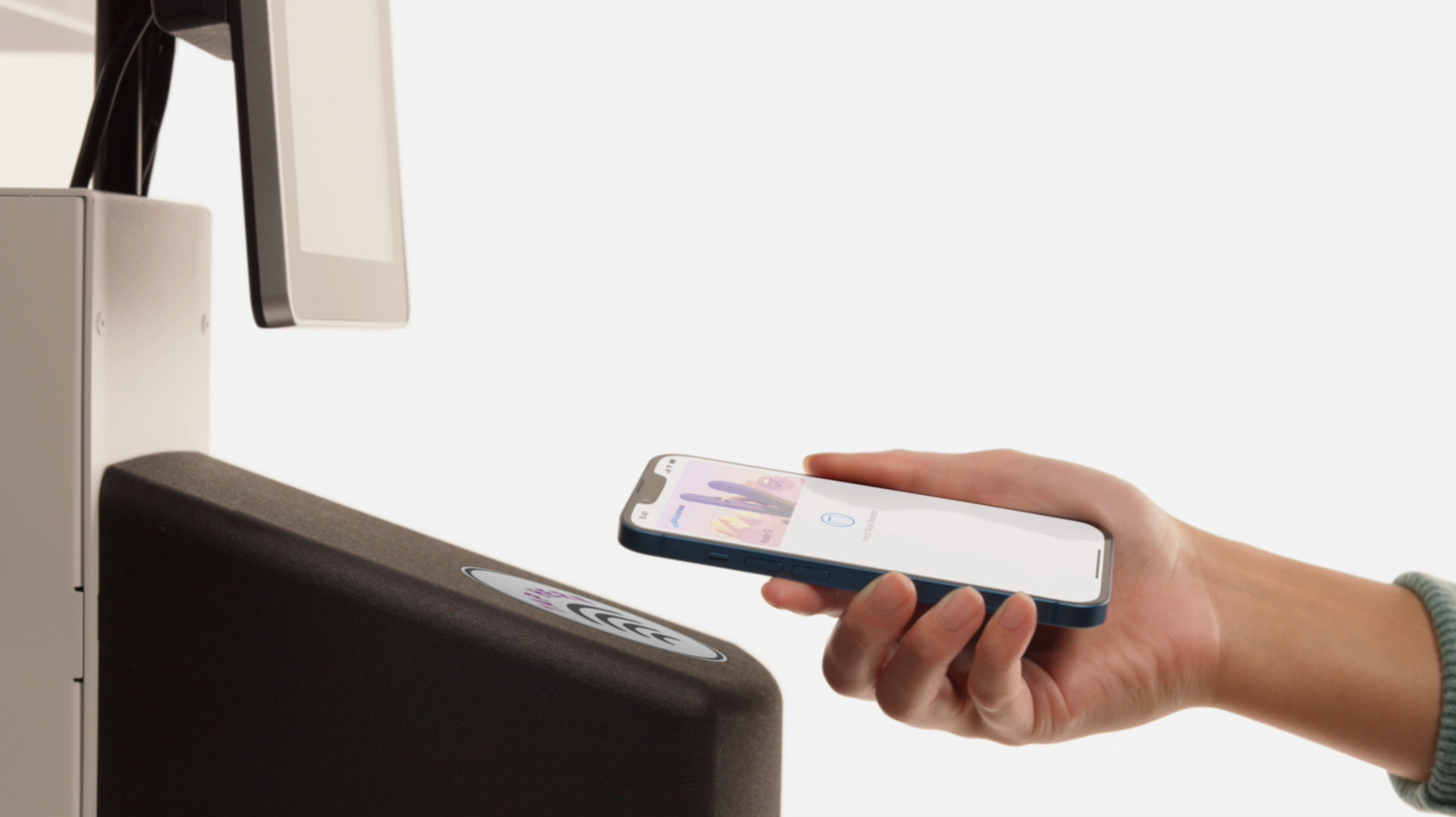
Apple Wallet in iOS 27 now supports user-created passes, receipt-based bill splitting via Apple Cash, digital IDs, transit Express Mode, and digital keys for compatible cars and smart locks.
Engineers need to account for the new pass-creation workflow and the Apple-Cash-only bill split when designing payment or loyalty features. They must also verify state eligibility for digital IDs and confirm participation of transit systems and vehicle manufacturers before relying on Express Mode or digital keys.
Written by elseif from the cluster below · every claim links back to a sourceThe three things worth knowing
Custom passes can be created natively in iOS 27 using templates or by capturing a photo of the physical pass with Apple Intelligence.
Bill splitting works by scanning a receipt with Apple Intelligence and is limited to Apple Cash, excluding PayPal, Venmo, and other third-party apps.
Digital IDs are available only in the 15 US states and Puerto Rico that support them, while Express Mode remains functional for a few hours after battery depletion but fails if the device is powered off.
THE READ
What the cluster adds up to.
Apple Wallet in iOS 27 introduces five notable capabilities: custom pass creation, receipt-driven bill splitting, digital ID storage, transit Express Mode, and digital keys for cars and smart locks. Each capability builds on existing Wallet infrastructure but adds new user interactions. The custom pass feature lets users generate passes for services that lack native Wallet integration, using either a template or a photo of the existing pass. Bill splitting leverages Apple Intelligence to parse receipts and initiate payments exclusively through Apple Cash. Digital IDs enable users to store driver’s licenses or passports where supported, and Express Mode allows contactless transit payments without waking the device. Digital keys extend Wallet’s reach to compatible vehicles and home locks.
Adopting these features imposes specific implementation costs for developers. To support custom passes, apps must either provide a template for the Standard, Membership, or Event categories or rely on Apple Intelligence to infer fields from a user-supplied photo. Bill-splitting logic must be confined to Apple Cash, requiring a fallback to other payment methods when users prefer PayPal or Venmo. Digital ID integration necessitates checking the Apple Digital ID page to confirm state eligibility, as only 15 US states and Puerto Rico participate. Transit Express Mode works only with participating systems, and digital keys are limited to the car brands and lock manufacturers that have enabled Wallet support.
The new functions also have clear boundaries where they cease to operate. Bill splitting does not function with PayPal, Venmo, or any non-Apple Cash payment app. Digital IDs are unavailable outside the 15 US states and Puerto Rico that have opted into the program. Express Mode stops providing transit payments when the device is powered off, despite its ability to work for a few hours in power reserve mode after battery depletion. Digital keys cannot be used with vehicles or locks that have not joined the Wallet ecosystem. Custom passes depend on either a template or a recognizable photo of the existing pass, so unsupported barcode or QR formats may not be captured correctly.
Engineers should therefore design fallbacks for users in unsupported states or with non-participating transit, test power-reserve behavior to ensure payments persist after battery drain, and guide users to the Apple Digital ID page for eligibility checks. When creating passes, teams can either use Apple-provided UI or craft designs that conform to the customizable backgrounds and color schemes offered by the feature. By respecting these limits and costs, developers can integrate Apple Wallet’s expanded capabilities while maintaining reliable user experiences.
Written by elseif from the cluster below · checked for specifics the sources never containedTHE CLUSTER