TECH Signal 262 2 feeds carried it
Adobe integrates Photoshop, Firefly, and 70+ creative tools into Slack via MCP app
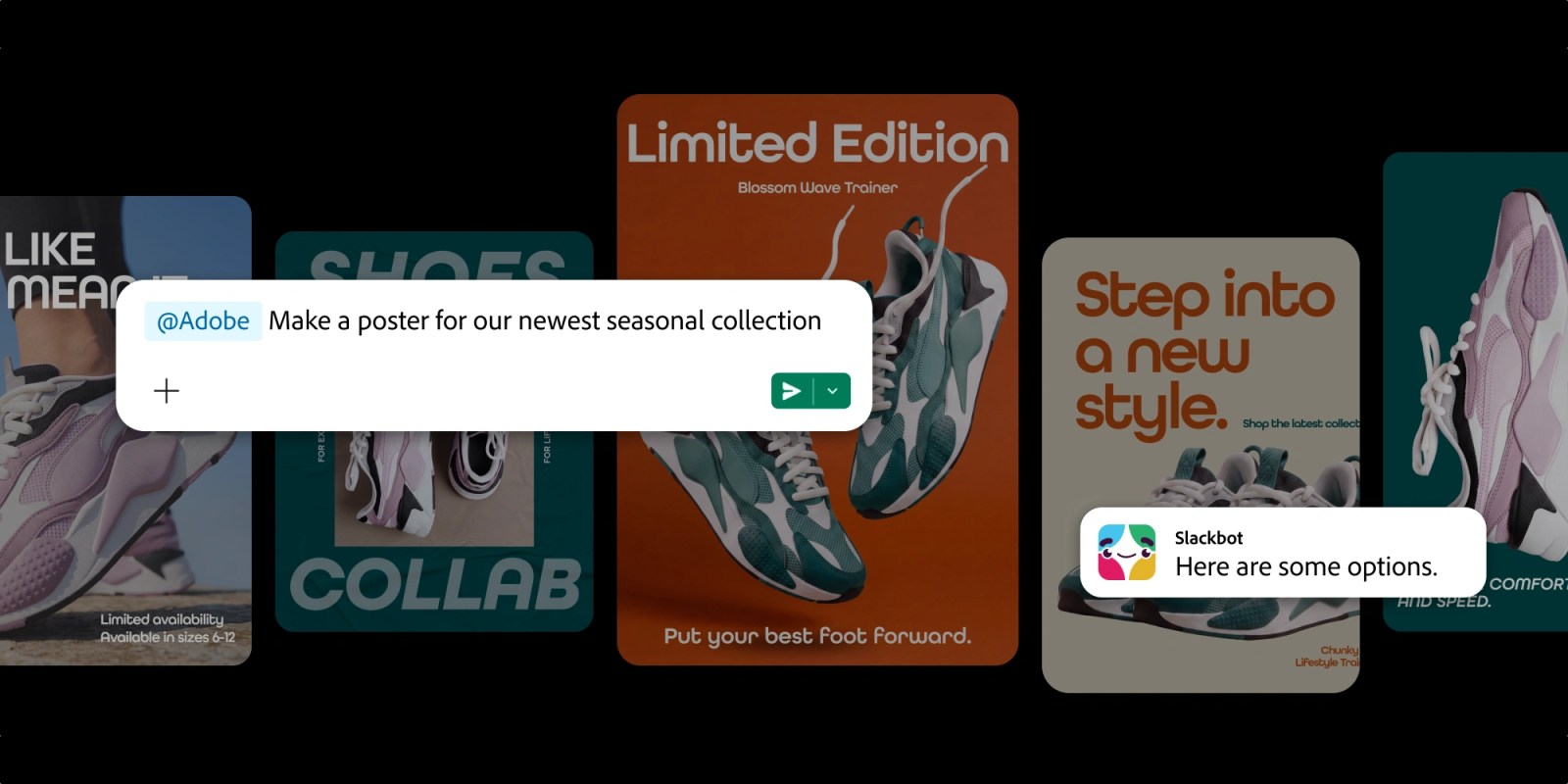 ↗
↗
Adobe’s MCP app embeds its creative suite into Slack, allowing in-chat editing of images, videos, designs, and PDFs without switching platforms.
Engineers and teams collaborating in Slack can now execute creative tasks directly within workflows, reducing context-switching. The integration relies on Slackbot for context-aware tool invocation, but adoption may hinge on how seamlessly it handles complex edits or large files.
Written by elseif from the cluster below · every claim links back to a sourceThe three things worth knowing
Slackbot now triggers Adobe tools like Photoshop and Firefly from within Slack conversations.
The MCP app supports 70+ Adobe tools, including Acrobat, Illustrator, and Lightroom, for in-chat edits.
Available to Slack Business+ and Enterprise+ customers globally, with expanded features for Adobe account holders.
THE READ
What the cluster adds up to.
Adobe’s MCP app bridges its creative suite with Slack, enabling users to perform tasks like image resizing, PDF generation, or video edits without leaving Slack. This integration targets teams already discussing projects in Slack, aiming to streamline workflows by eliminating the need to switch between apps. However, the reliance on Slackbot for context extraction means accuracy depends on how well the assistant interprets messages, files, or channel history. For engineers, this could simplify quick edits but may not replace dedicated tools for high-precision work.
The app’s functionality spans 70+ Adobe tools, from generative AI (Firefly) to traditional editors (Photoshop, Premiere). Users can search Creative Cloud assets by style or mood and pull them into Slack for further refinement. While the integration lowers the barrier to entry, no Adobe account is required to start, advanced features like generative AI or cross-session continuity require signing in. This tiered access could limit utility for teams without Adobe subscriptions, particularly for tasks requiring persistent file access or AI-driven edits.
Adobe’s push to embed its tools in AI chatbots extends beyond Slack, with existing support for ChatGPT, Claude, and Copilot. The Slack integration leverages the platform’s built-in assistant, Slackbot, to automate tasks like summarizing briefs or transforming data into visuals. For engineers, this could reduce manual steps in collaborative workflows, but the app’s effectiveness may vary with file complexity or team size. Large files or intricate edits might still demand native Adobe apps, leaving the Slack integration best suited for lightweight, iterative tasks.
Availability is limited to Slack’s Business+ and Enterprise+ tiers, excluding smaller teams or free-tier users. The global rollout across desktop, web, and mobile ensures broad accessibility, but the lack of a free Adobe account requirement for basic use could drive adoption. Still, the integration’s value hinges on how well it handles real-world workflows, whether it accelerates tasks or introduces friction through context misinterpretation or tool limitations. For now, it represents a step toward consolidating creative and collaborative tools, but its long-term impact will depend on user feedback and iterative improvements.
Written by elseif from the cluster below · checked for specifics the sources never containedTHE CLUSTER