AI Signal 391
Adobe's new ChatGPT plugin brings 70 of its tools to OpenAI's chatbot
 ↗
↗
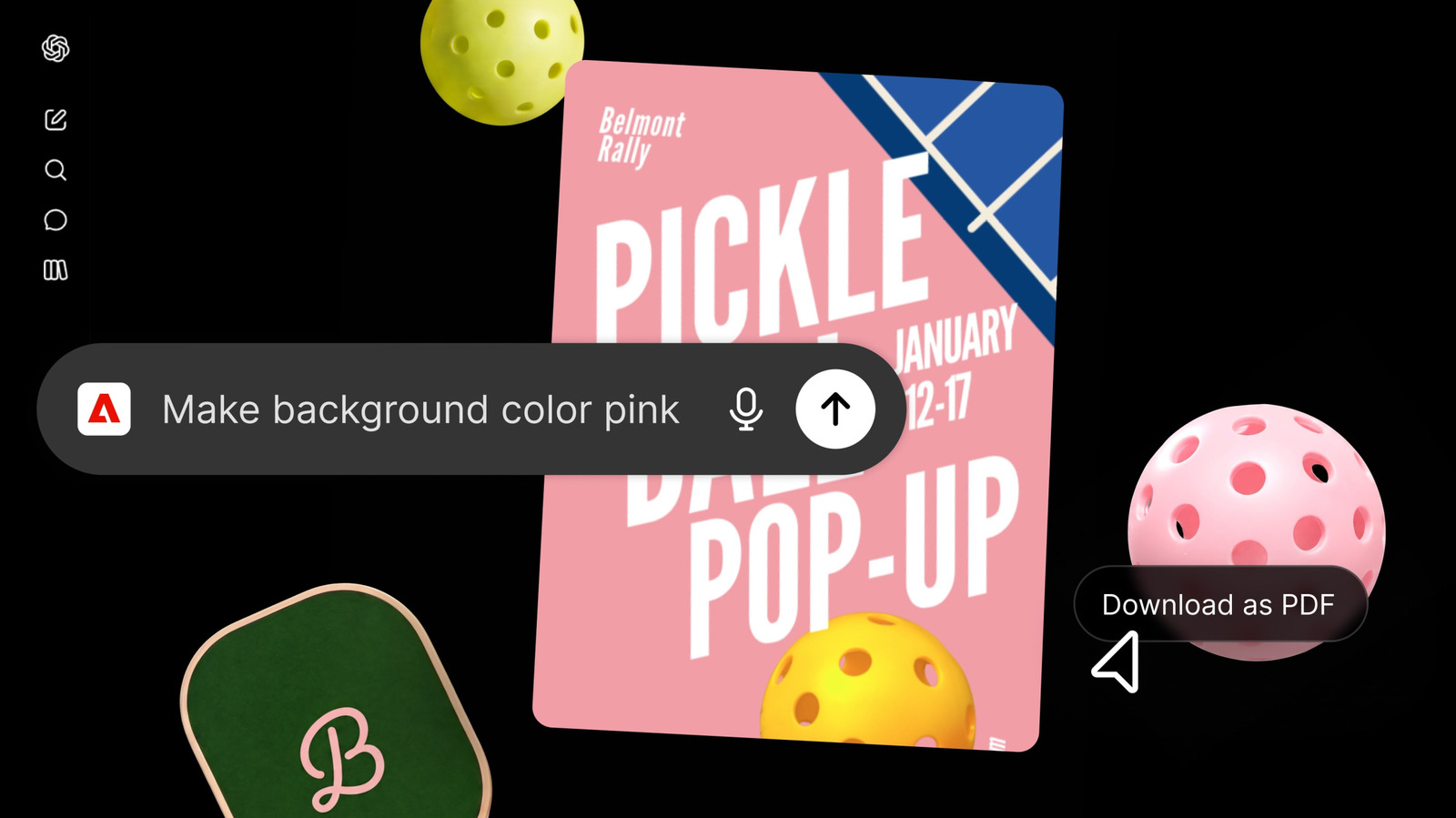
Adobe released a ChatGPT plugin that gives users direct access to more than 70 of its creative tools from within the chatbot interface.
Engineers can now trigger Photoshop, Premiere, Illustrator and other Adobe apps with a simple @Adobe prompt in ChatGPT, cutting down on context switching between AI chat and desktop software. The plugin supports basic generative tasks via Adobe Firefly while preserving the full-featured desktop apps for detailed, precision work. Adoption only requires enabling the plugin and, optionally, signing into a Creative Cloud account for file persistence and cloud access.
Written by elseif from the cluster below · every claim links back to a sourceThe three things worth knowing
The plugin exposes over 70 Adobe applications, including Photoshop, Premiere, Acrobat, Lightroom, Illustrator and InDesign, through a @Adobe invocation in ChatGPT.
Users can run the plugin without a Creative Cloud login, but signing in enables cross-session saving, access to cloud-stored files and use of Firefly-based generative models.
Adobe positions the plugin as a convenience layer, not a replacement, stressing that flagship apps remain necessary for hands-on precision and fine-grained creative control.
THE READ
What the cluster adds up to.
Previously Adobe had integrated only Photoshop, Acrobat and Adobe Express into ChatGPT using the OpenAI Apps SDK. The new plugin expands that scope to virtually the entire Creative Cloud suite, offering more than seventy tools that can be summoned directly from the chat prompt. This shift moves the interaction from isolated app launches to a unified AI-driven interface where users can issue natural-language requests for image editing, video creation or PDF generation.
Adopting the plugin involves opening ChatGPT’s settings, navigating to the plugins section and adding the Adobe extension; no additional Adobe licensing is required beyond an existing subscription. For full functionality users may sign into their Creative Cloud account, which unlocks cross-session saving, cloud file access and the ability to leverage Adobe Firefly generative models. The plugin is noted to work best inside OpenAI’s Codex coding app and the recently released Work suite, indicating a preference for environments that already support code-centric workflows.
While the plugin enables quick tasks such as photo touch-ups, marketing video assembly and PDF creation, Adobe explicitly states that it does not replace the depth of its desktop applications. Fine-grained pixel-level control, complex layering and advanced typography still necessitate launching the native apps. Consequently, the plugin is suited for ideation, rapid prototyping or lightweight edits, but not for production-grade work that demands precise manual adjustments.
For software engineers building AI-augmented pipelines, the plugin offers a way to embed creative asset generation into chat-based workflows, reducing the need to manually open separate programs for simple edits. However, any workflow that relies on exacting creative specifications will still need to invoke the full desktop tools after the AI-generated draft is produced. The integration therefore acts as a bridge for early-stage ideation rather than a complete substitute for professional creative software.
Written by elseif from the cluster below · checked for specifics the sources never containedTHE CLUSTER