TECH Signal 50
Apple CarPlay isn't working in your car? Here's what to check first
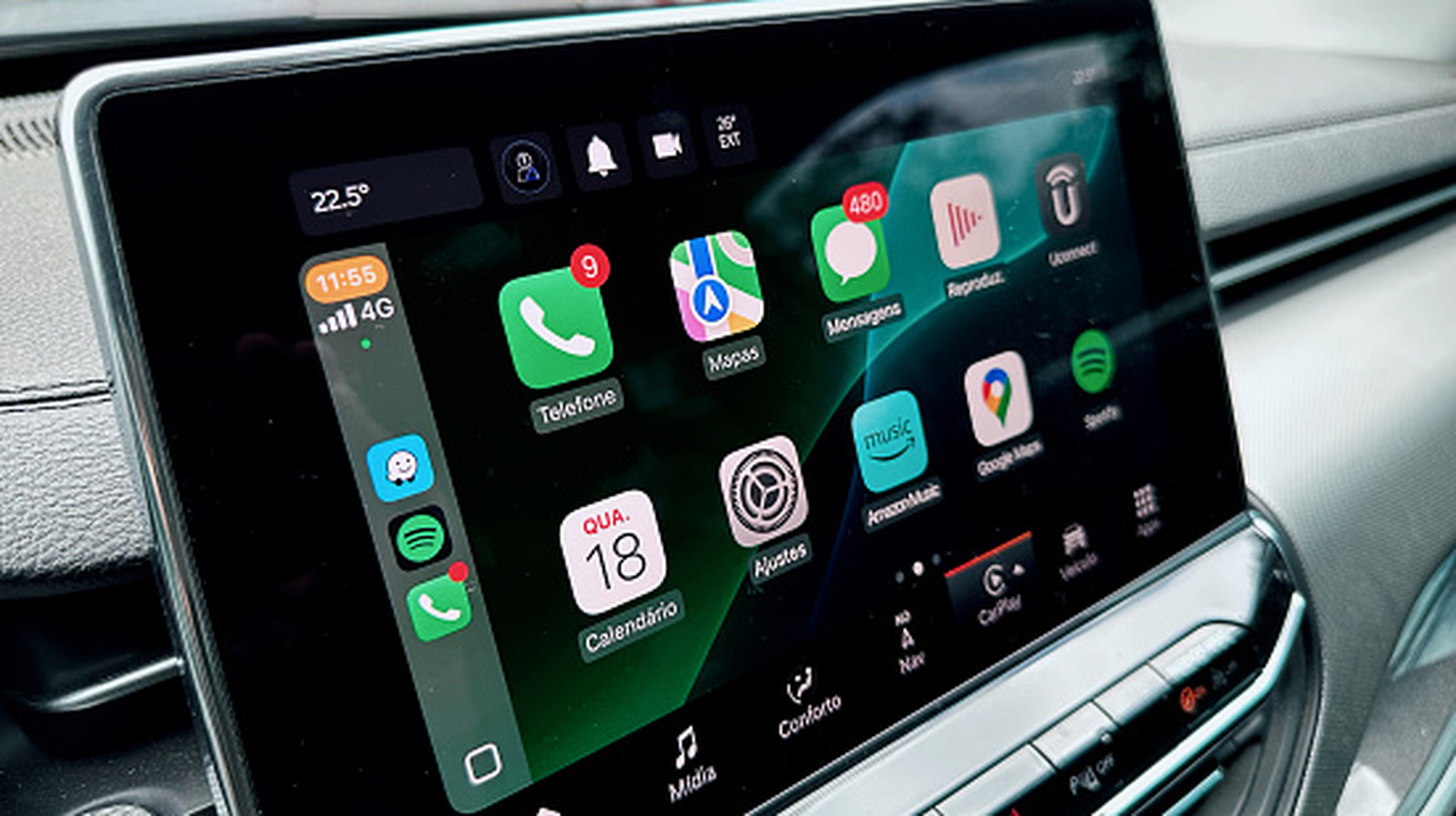 ↗
↗
Engineers integrating CarPlay into infotainment systems or building automotive software should note that the majority of user-facing failures stem from a small, predictable set of causes: locked-phone permission settings, charge-only USB cables, and port-specific connection requirements. These recurring pain points represent actionable targets for better onboarding flows, error messaging, and hardware documentation.
Written by elseif from the cluster below · every claim links back to a sourceThe three things worth knowing
CarPlay requires Siri to be enabled and the Allow CarPlay While Locked setting to be activated for automatic connections without unlocking the phone each trip.
USB cables used for CarPlay must support data transfer rather than charging only, and direct connections are recommended over adapters.
Most CarPlay failures can be resolved through basic steps such as restarting the phone and car, updating iOS, and verifying vehicle compatibility on Apple's supported list.
THE CLUSTER