TECH Signal 363
Before you throw out your old USB drives, do this first
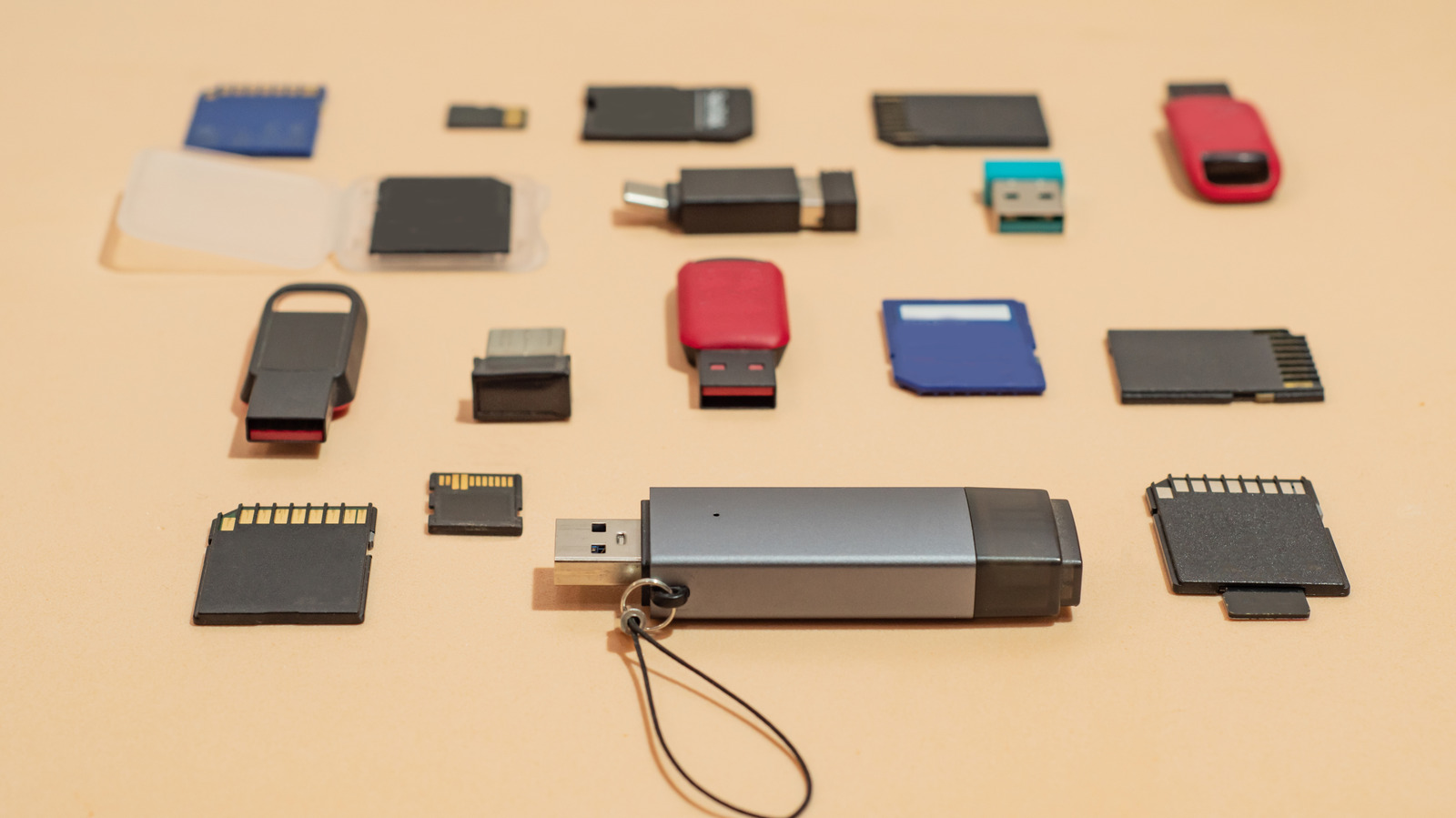 ↗
↗
Simply deleting files from a USB drive does not securely erase data; a full format or physical destruction is required to prevent recovery.
Engineers must ensure that retired storage media cannot leak sensitive information, as ordinary deletion leaves data recoverable. Implementing a proper wipe adds procedural steps and time, but reduces the risk of data breaches. For highly confidential data, physical destruction may be the only reliable option.
Written by elseif from the cluster below · every claim links back to a sourceThe three things worth knowing
Deleting files only frees space, leaving the original content intact and recoverable with standard recovery tools.
A full format overwrites the drive and checks for bad sectors, making data recovery significantly more difficult than a quick format.
When maximum assurance is needed, physically damaging the memory chips or performing multiple overwrite passes is recommended.
THE READ
What the cluster adds up to.
The core issue is that a standard delete operation does not erase the underlying bits; it merely updates the file system to mark those blocks as available. Consequently, data recovery software can often reconstruct the original files, posing a privacy risk if the drive is later accessed by unauthorized parties. This means that any disposal process that relies solely on delete commands is insufficient for protecting sensitive information.
Performing a full format addresses this limitation by writing over the existing data and scanning the drive for defective sectors. The process takes longer than a quick format because it does not skip the overwrite step, and it requires the user to explicitly disable the quick format option in the operating system’s formatting dialog. While this method greatly reduces the chance of successful recovery, it is not absolutely guaranteed to eliminate all traces of data.
For scenarios demanding the highest level of security, physical destruction of the storage medium is advised. This involves opening the drive’s enclosure and damaging the memory chips, using tools such as a chisel, Dremel, or drill, to break the silicon where data is stored. Care must be taken to avoid injury from flying fragments, even though the drives themselves do not contain hazardous chemicals.
Guidance from sources such as Cornell University’s IT security recommendations suggests overwriting functional drives three times before recycling, and physically destroying drives that are slated for disposal. Engineers should integrate these steps into their end-of-life workflow, allocating the necessary time and tools, and recognize that the approach may fail if the drive cannot be mounted at all, in which case physical destruction becomes the only viable option.
Written by elseif from the cluster below · checked for specifics the sources never containedTHE CLUSTER