TECH Signal 373
Don't forget to turn off this setting after buying a new TV
 ↗
↗
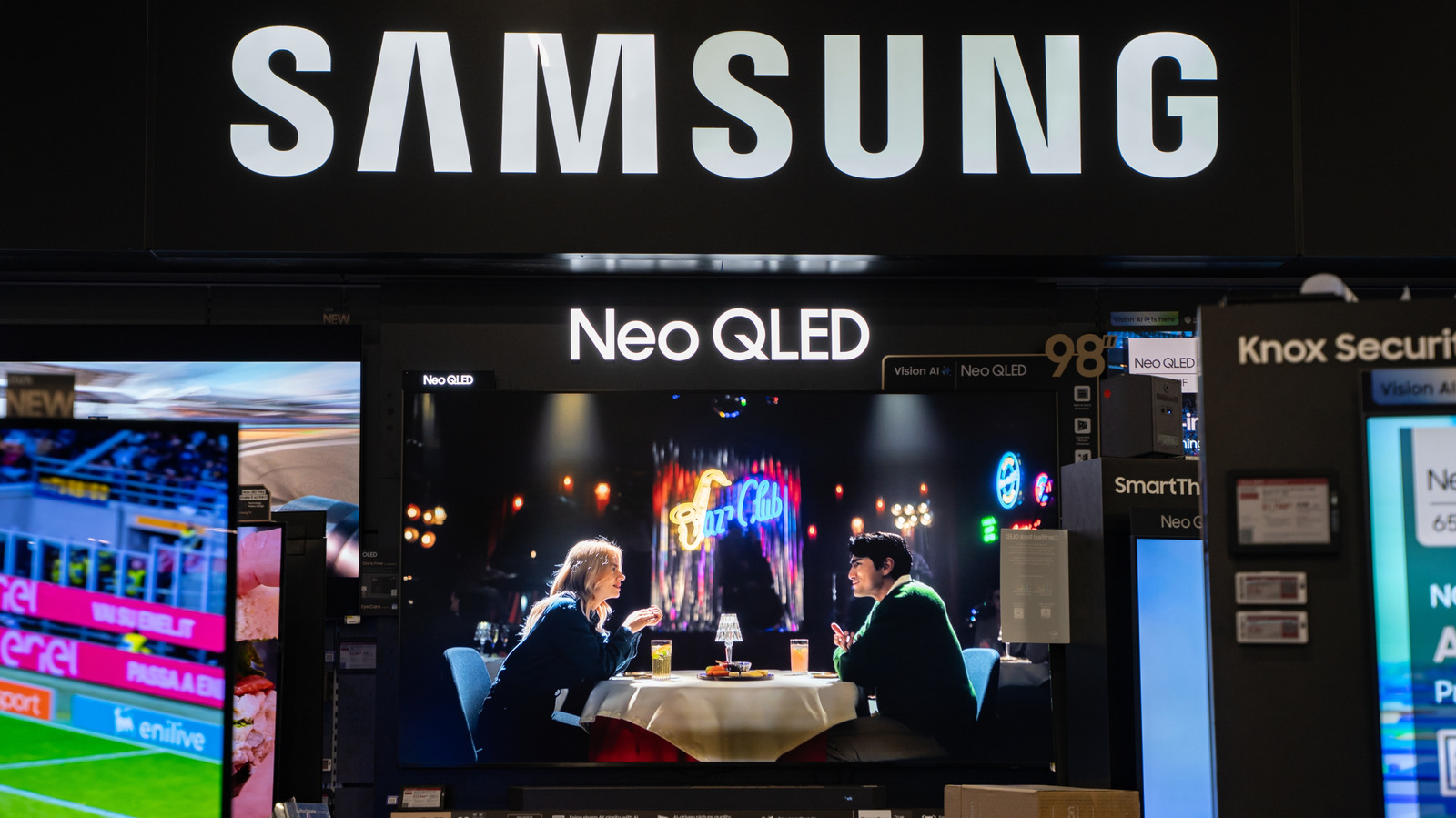
New televisions often arrive with a retail-oriented mode enabled that degrades home viewing until it is manually disabled.
The mode forces high brightness and contrast to suit store lighting, which makes the picture look washed out in a typical living-room environment. It also periodically resets any user adjustments, so calibration or personal preferences are lost without intervention.
Written by elseif from the cluster below · every claim links back to a sourceThe three things worth knowing
Factory-installed store or demo mode maximizes backlight and contrast for showroom lighting, resulting in poor picture quality at home.
The setting can be hidden under different menu names such as Store Mode, Demo Mode, Retail Mode, or Auto Store Mode, varying by manufacturer.
Disabling the mode requires a few menu selections and eliminates the automatic reset of user-made picture settings.
THE CLUSTER