TECH Signal 363
Here's how to pair your Roku remote
 ↗
↗
The guide explains how to manually pair a Roku remote after replacement or reset.
Engineers supporting streaming devices need to know the exact steps to re-establish the wireless link between a Roku unit and its remote, as the process differs from traditional infrared controls. Understanding the fallback to the mobile app also helps troubleshoot situations where the remote cannot be paired.
Written by elseif from the cluster below · every claim links back to a sourceThe three things worth knowing
Roku remotes use Wi-Fi Direct or Bluetooth, requiring a pairing step that can be triggered by a button under the battery cover or by holding Back and Home together.
If the remote cannot be paired, power-cycling the Roku device and placing it in pairing mode is the recommended first action.
The Roku mobile app provides a full remote interface and works as an alternative control method when the physical remote is unavailable.
THE READ
What the cluster adds up to.
Roku devices no longer rely on line-of-sight infrared; instead they communicate via wireless protocols that must be paired. When a remote is newly installed or after a factory reset, the device and remote are not automatically linked, so a manual pairing sequence is required. This shift means that troubleshooting now includes checking wireless pairing status rather than just battery health.
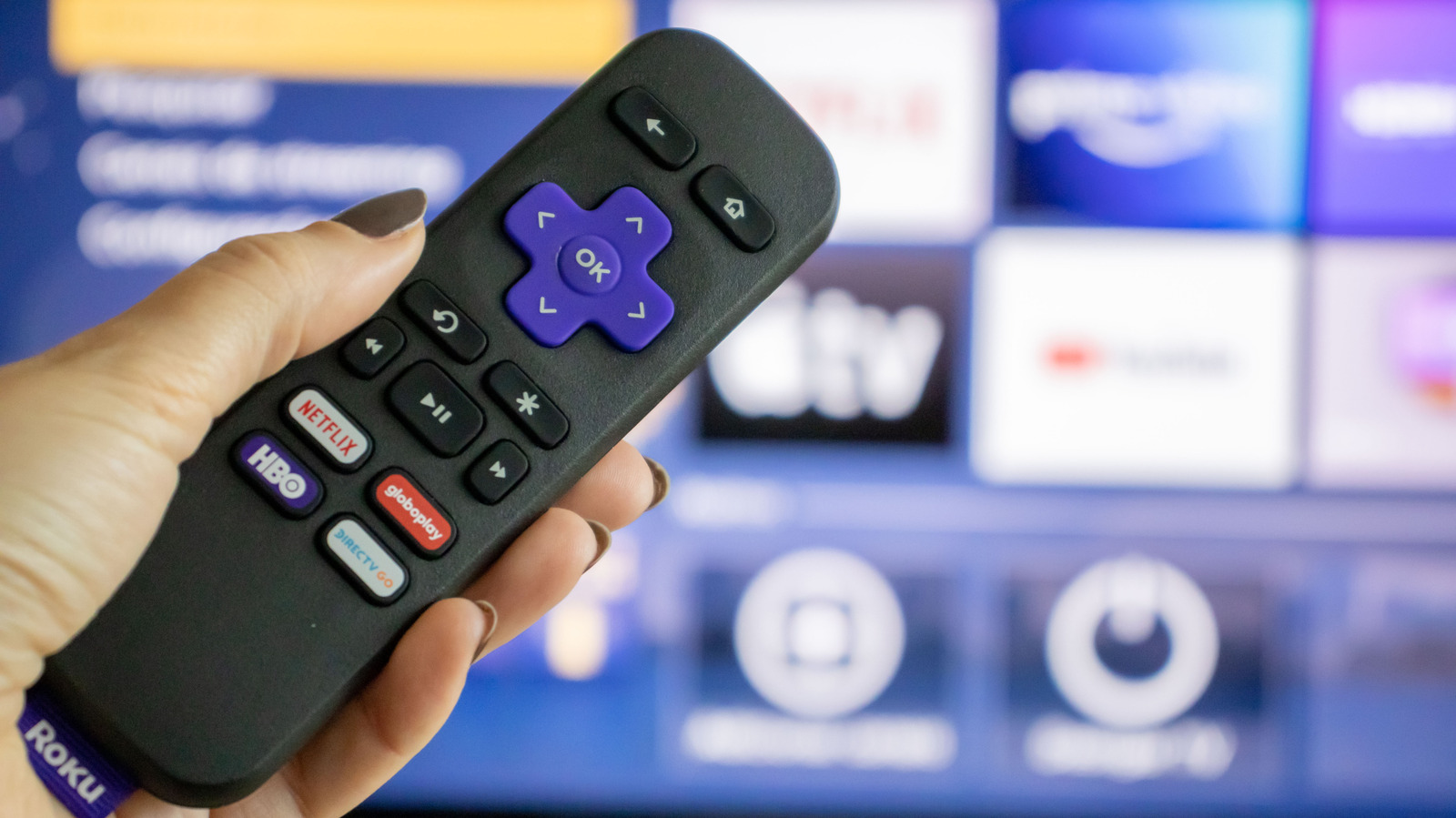
The pairing procedure starts by restarting the Roku hardware to ensure it is ready to accept a new remote. After the device powers up, the user must locate the remote's pairing trigger, typically a button hidden under the battery cover, and hold it until an indicator flashes. For remotes lacking a dedicated button, a simultaneous press of the Back and Home keys for a few seconds serves the same purpose.
If the remote still fails to connect, the guide points to the Roku mobile application as a viable substitute. The app mirrors the physical remote's layout and requires both the phone and Roku to share the same Wi-Fi network, effectively turning the phone into a wireless controller. This alternative also adds features like faster text entry and optional audio routing to headphones.
From an operational standpoint, the steps involve no additional hardware costs; the only resources consumed are time and a brief power cycle. However, the process will not work if the Roku device is offline, the Wi-Fi network is unavailable, or the remote's battery is depleted. Engineers should ensure network connectivity and power before initiating pairing to avoid unnecessary retries.
Written by elseif from the cluster below · checked for specifics the sources never containedTHE CLUSTER