TECH Signal 361
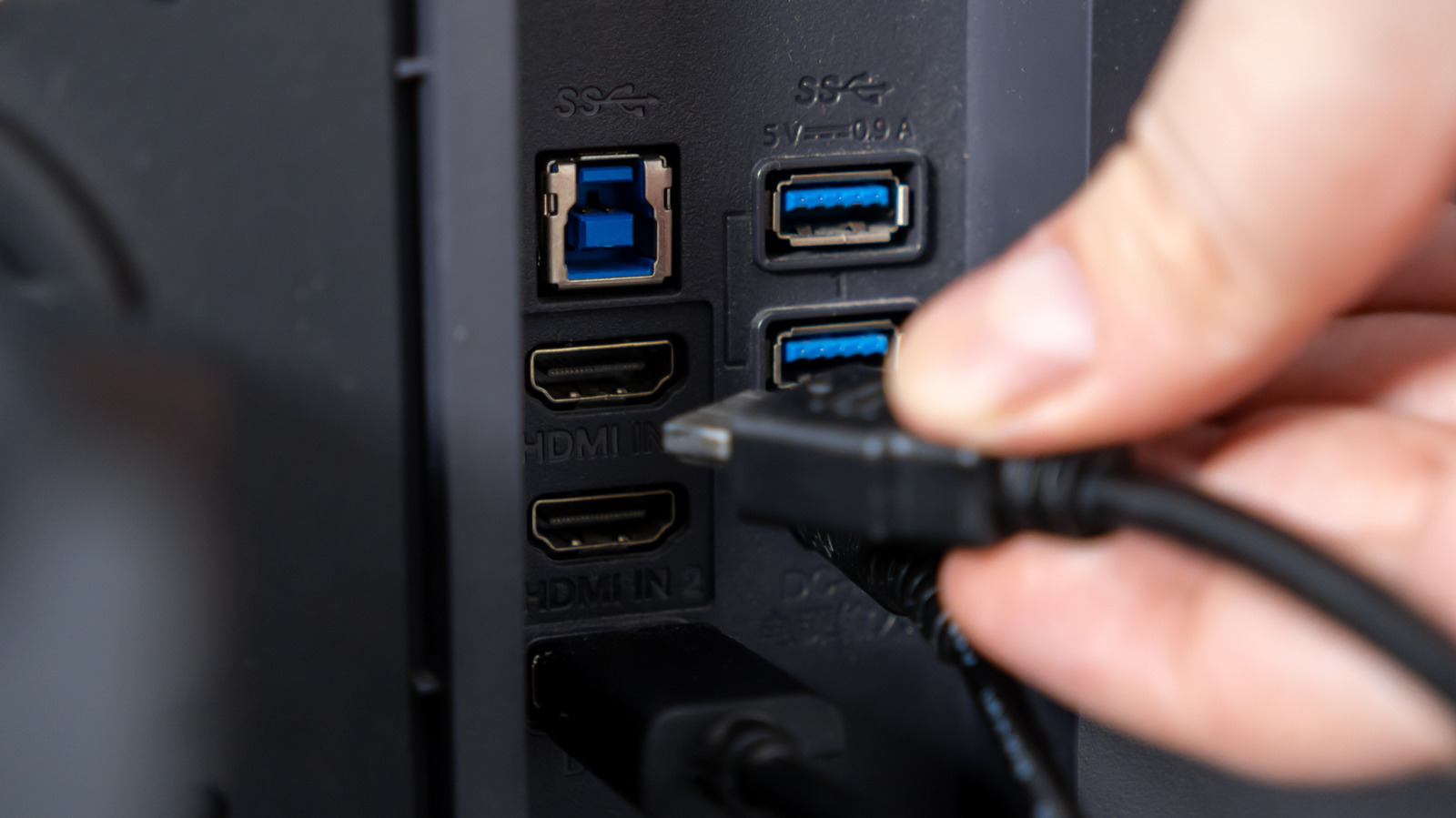
Monitors with two USB ports serve as built-in hubs for connecting accessories
 ↗
↗
These ports are often part of a built-in USB hub, letting you keep desk accessories connected to the monitor instead of occupying ports on your computer.
The integration of USB ports on monitors enhances workspace efficiency by reducing cable clutter and streamlining device connectivity. Engineers and IT professionals can utilize these ports to simplify connections for peripherals without needing multiple cables running to their computers.
Written by elseif from the cluster below · every claim links back to a sourceThe three things worth knowing
Monitors with USB ports can connect peripherals directly, freeing up computer ports.
USB-C connections allow for video, data, and power through a single cable.
The hub's bandwidth may limit data transfer speeds for connected devices.
THE READ
What the cluster adds up to.
Monitors equipped with two USB ports often function as built-in USB hubs, enabling users to connect peripherals like keyboards and mice directly to the monitor. This setup frees up USB ports on the computer, which can be particularly advantageous for laptops with limited connectivity options.
The functionality of these USB ports varies depending on the monitor's design. For some monitors, an additional USB upstream connection is necessary to enable the downstream ports, particularly when using HDMI or DisplayPort for video. Understanding the specific configuration of a monitor is essential for effective use.
USB-C compatibility allows for a streamlined connection, where one cable can handle video output, data transfer for connected devices, and charging for the laptop. This versatility reduces cable clutter and simplifies the workspace, especially in setups where laptops are frequently connected and disconnected.
While using the monitor's USB ports for temporary storage or peripherals can be convenient, it's important to be aware of potential bandwidth limitations. If the upstream connection is slower than the devices connected, it may create a bottleneck that affects data transfer speeds, particularly for large file transfers.
Some monitors also feature settings that determine whether USB ports remain powered in standby mode, which can be useful for charging devices. This capability varies by brand and model, so engineers should check specifications to leverage these features effectively.
Written by elseif from the cluster below · checked for specifics the sources never containedTHE CLUSTER