DATABASES Signal 20
How to add your driver's license to Apple Wallet and where you can use it
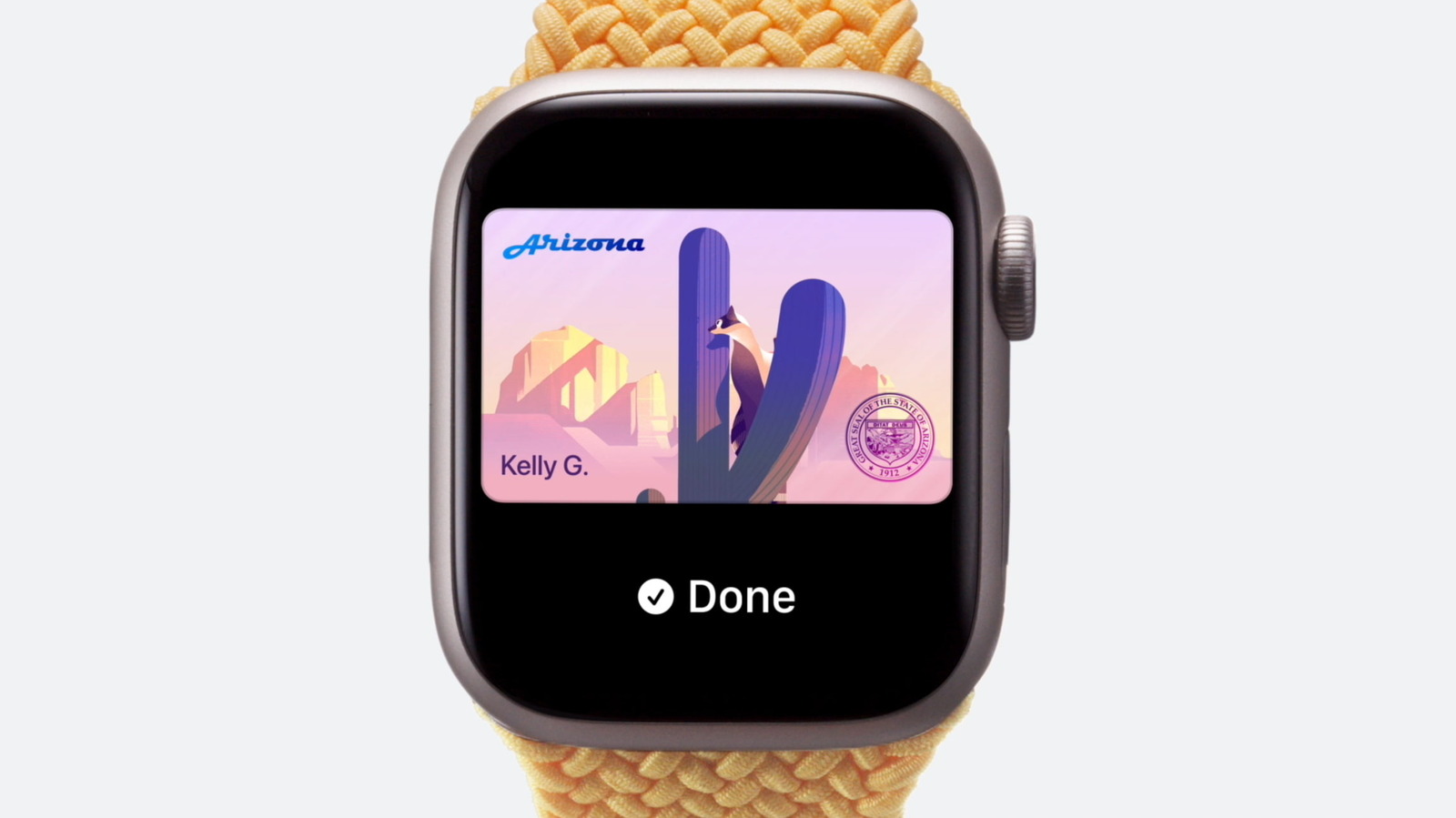 ↗
↗
Users in participating US states can store an encrypted digital driver's license in Apple Wallet and present it for identity verification at compatible venues such as bars, restaurants, and airport checkpoints.
Engineers building identity verification systems must now accommodate encrypted digital IDs that share only selected attributes after biometric authentication. The limited rollout to specific US states means backend services need to handle regional variability and fallback to physical IDs. Because the license resides on a single device and requires issuing-authority approval, deployment costs include device management and coordination with state DMVs.
Written by elseif from the cluster below · every claim links back to a sourceThe three things worth knowing
Adding a driver's license to Apple Wallet requires scanning both sides of the physical card, taking a selfie or Live Photo, possibly tilting the head or smiling, and authenticating with Touch ID, Face ID, or a passcode.
The digital license is encrypted on the device and only shares data such as age verification or photo match after user authentication, with the user seeing what data will be accessed.
Currently usable in Arizona, Arkansas, California, Colorado, Georgia, Hawaii, Illinois, Iowa, Maryland, Montana, New Mexico, North Dakota, Ohio, Oklahoma, Puerto Rico, Virginia, West Virginia, with North Carolina planning support in early 2027 and Utah expected soon.
THE READ
What the cluster adds up to.
Users can add a driver's license to Apple Wallet by opening the Wallet app, tapping the Plus icon, selecting Driver's License and ID Cards, choosing their state, and scanning both sides of the license. After scanning, they must take a selfie or Live Photo, possibly tilt the head or smile, and then authenticate with Touch ID, Face ID, or a passcode. The license is encrypted and stored securely on the device, and Apple says neither it nor the issuing authority can see where or when the digital ID is shared. Before presenting the ID, the user can review which data fields will be accessible to the scanner.
Adoption requires the issuing state’s authority to approve the digital license before it can be used, and users may receive notifications if further information is needed. The digital license can reside on only one iPhone or Apple Watch at a time, and moving it to a new device involves transferring it through the Wallet app during device migration. Users can add the license to an Apple Watch after initial iPhone setup, but the license remains limited to one device at a time. Because only a subset of US states currently support the feature, engineers must account for regional availability when designing ID verification workflows.
The digital ID is only useful where businesses or venues have implemented compatible scanning equipment, and support remains inconsistent and widespread. If the user cannot authenticate via Touch ID, Face ID, or passcode, the digital license cannot be presented. Because the license is tied to a single device, sharing the ID across multiple phones or watches is not possible without transferring it through the official process. Because the data shared is limited to what the user approves (e.g., age confirmation or photo match), systems that require additional fields such as address or license number may not receive sufficient information.
Engineers building verification systems should design requests to ask only for the specific attributes the user consents to share, such as age verification or photo match. Systems must accept the encrypted data format and rely on the device’s authentication to release information. Developers need to provide fallback paths to physical IDs for users in unsupported states or when the digital verification fails. Finally, coordination with state DMVs is required to ensure that the digital credential remains valid and revoked licenses are updated in the wallet.
Written by elseif from the cluster below · checked for specifics the sources never containedTHE CLUSTER