TECH Signal 386
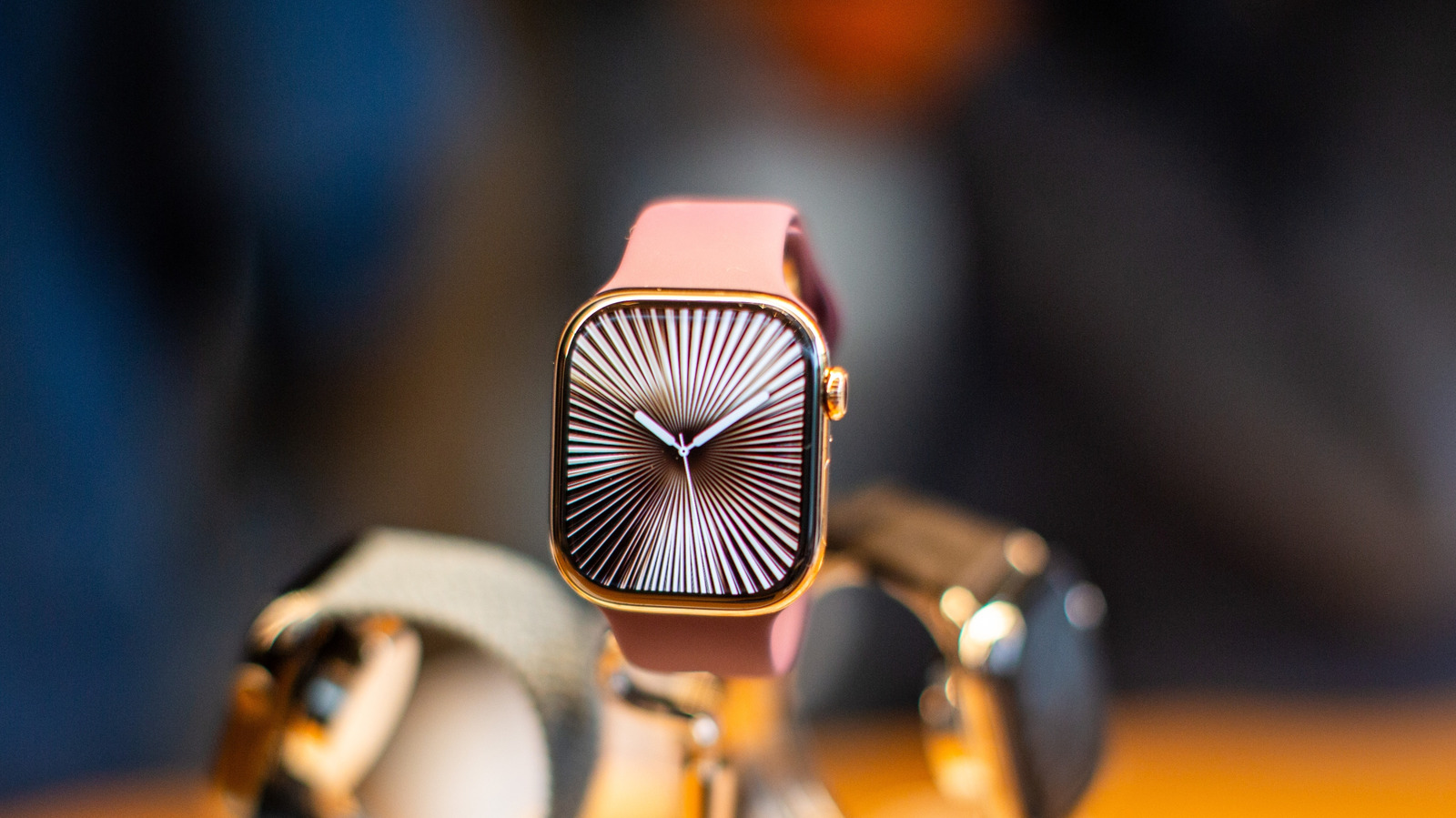
How to change and customize your Apple Watch face
 ↗
↗
Engineers designing wearable interfaces can see how a companion phone app centralizes face selection and photo integration, illustrating a pattern for device‑side configuration. The process shows that full customization depends on the watch and phone being paired and running current software, highlighting the importance of cross‑device synchronization in product design. Knowing these steps helps developers anticipate user expectations for personalization and the need for clear in‑app guidance.
Written by elseif from the cluster below · every claim links back to a sourceThe three things worth knowing
Open the Watch app on iPhone, go to Face Gallery to browse and add watch faces.
Add personal photos to the watch face through the Photos category, selecting up to 24 images that shuffle daily.
Use the Edit button to swap or adjust widgets on the watch face to change displayed information.
THE CLUSTER