TECH Signal 377
iPhone cache clearing removes temporary app and browser data to free space and fix glitches
 ↗
↗
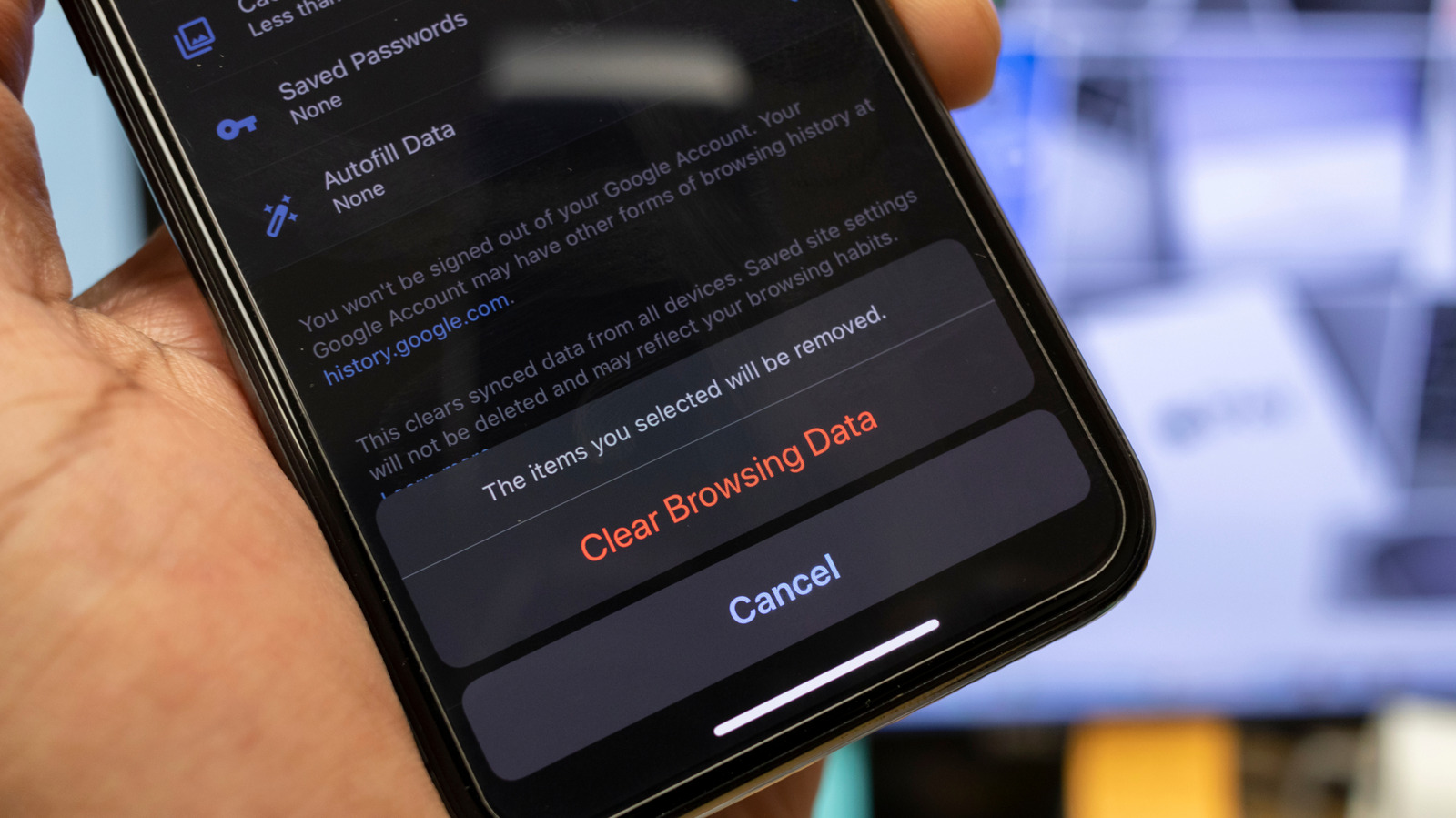
Clearing cache on an iPhone deletes stored temporary files from browsers, apps, and the system to troubleshoot performance issues or reclaim storage.
Cache accumulation can slow down apps or consume storage without obvious signs. Knowing how to clear it helps engineers diagnose iOS performance issues or free up space without deleting permanent data. However, the process varies by app and isn’t always straightforward.
Written by elseif from the cluster below · every claim links back to a sourceThe three things worth knowing
Safari and third-party browsers allow cache clearing but may also remove history, cookies, and logins.
Restarting an iPhone is the only way to clear system-level cache, as iOS lacks a direct option.
Some apps like Spotify and Telegram provide built-in cache-clearing tools, while others require offloading
THE READ
What the cluster adds up to.
Cache on an iPhone stores temporary data to speed up app and browser performance by avoiding repeated downloads of the same files. This includes images, scripts, and other assets that apps reuse frequently. While cache improves efficiency, it can accumulate over time, leading to storage bloat or app glitches. The process to clear cache isn’t uniform across iOS, requiring different steps for browsers, apps, and the system itself.
For browsers like Safari, clearing cache is bundled with other data like history and cookies, making it an all-or-nothing operation. Third-party browsers such as Chrome offer more granular control, allowing users to delete only cached files. However, this still disrupts user sessions, as logins and permissions are often reset. The lack of a selective cache-clearing option in Safari forces users to weigh the trade-off between performance and convenience.
System-level cache on iOS cannot be cleared directly. The only workaround is restarting the device, which removes temporary system files but leaves permanent data intact. This limitation contrasts with Android, where users can often clear system cache without a reboot. For app-specific cache, some developers include built-in tools, while others require offloading the app, a process that deletes temporary data but preserves user settings and documents.
Clearing cache is not a permanent fix for storage or performance issues. Since apps and browsers rebuild cache quickly, the benefits are short-lived. For engineers troubleshooting iOS devices, cache clearing is a diagnostic step rather than a maintenance routine. The lack of a unified cache management tool in iOS means users must navigate multiple menus, increasing the complexity of what should be a simple task.
Written by elseif from the cluster below · checked for specifics the sources never containedTHE CLUSTER