TECH Signal 386
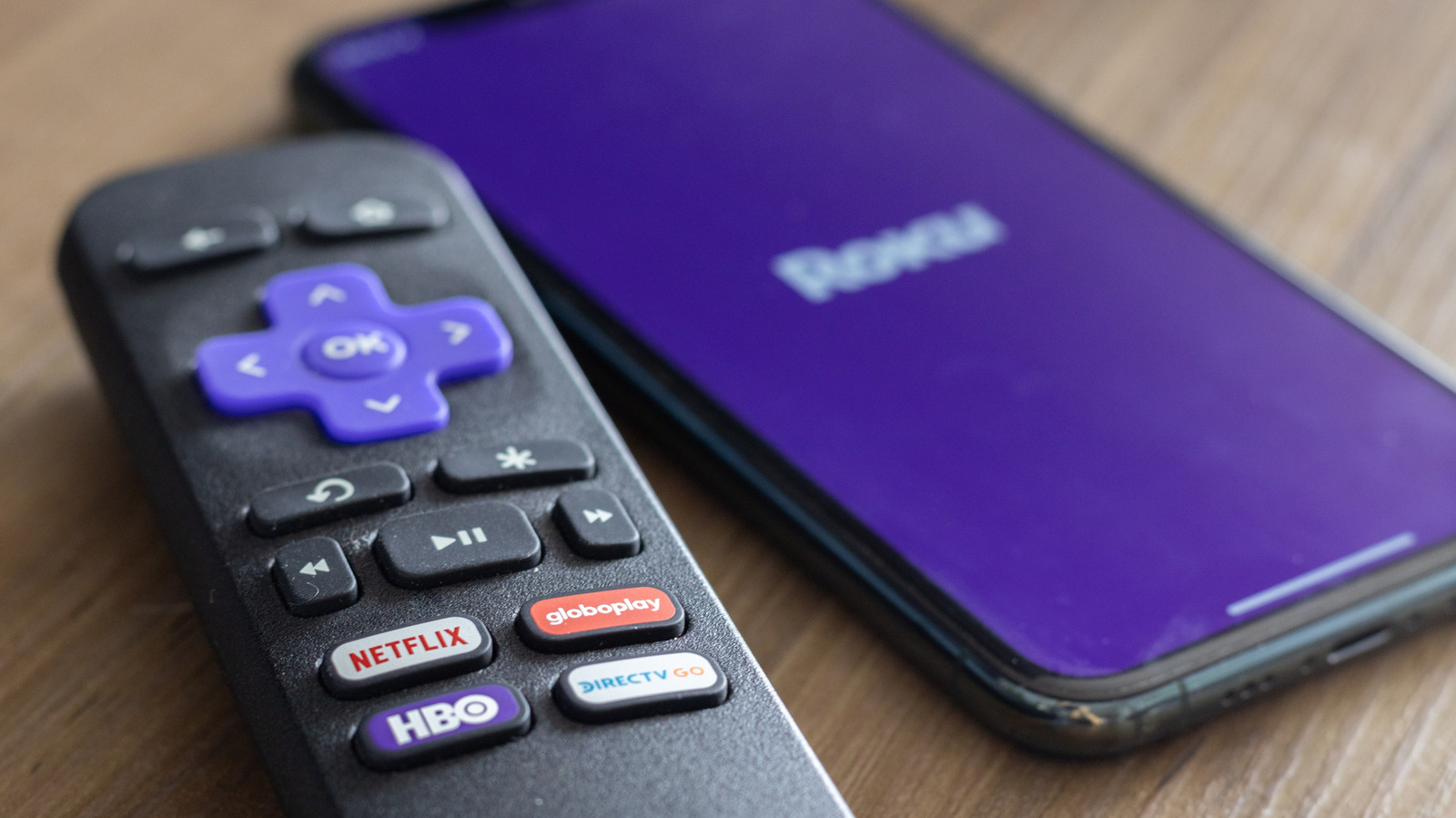
How to connect your Roku Streaming Stick or TV to Wi-Fi without the remote
 ↗
↗
A guide explains how to reconnect a Roku device to Wi-Fi without a physical remote using the mobile app, a hotspot trick, or an Ethernet cable.
For engineers building or supporting IoT and media devices, this highlights the friction users face when physical input methods fail and network state is lost. It demonstrates practical workarounds that rely on network spoofing or direct tethering to bypass default setup flows.
Written by elseif from the cluster below · every claim links back to a sourceThe three things worth knowing
The Roku mobile app can serve as a virtual remote, but only if the phone and Roku are already on the same network.
Users can spoof a previous Wi-Fi network's SSID and password using a mobile hotspot to force a disconnected Roku to connect, allowing the mobile app to then reconfigure the device.
A direct Ethernet connection bypasses the need for wireless setup or a remote entirely, provided the hardware has a port.
THE CLUSTER