TECH Signal 377
AI and traditional upscaling methods trade accuracy for sharpness in photo enlargement
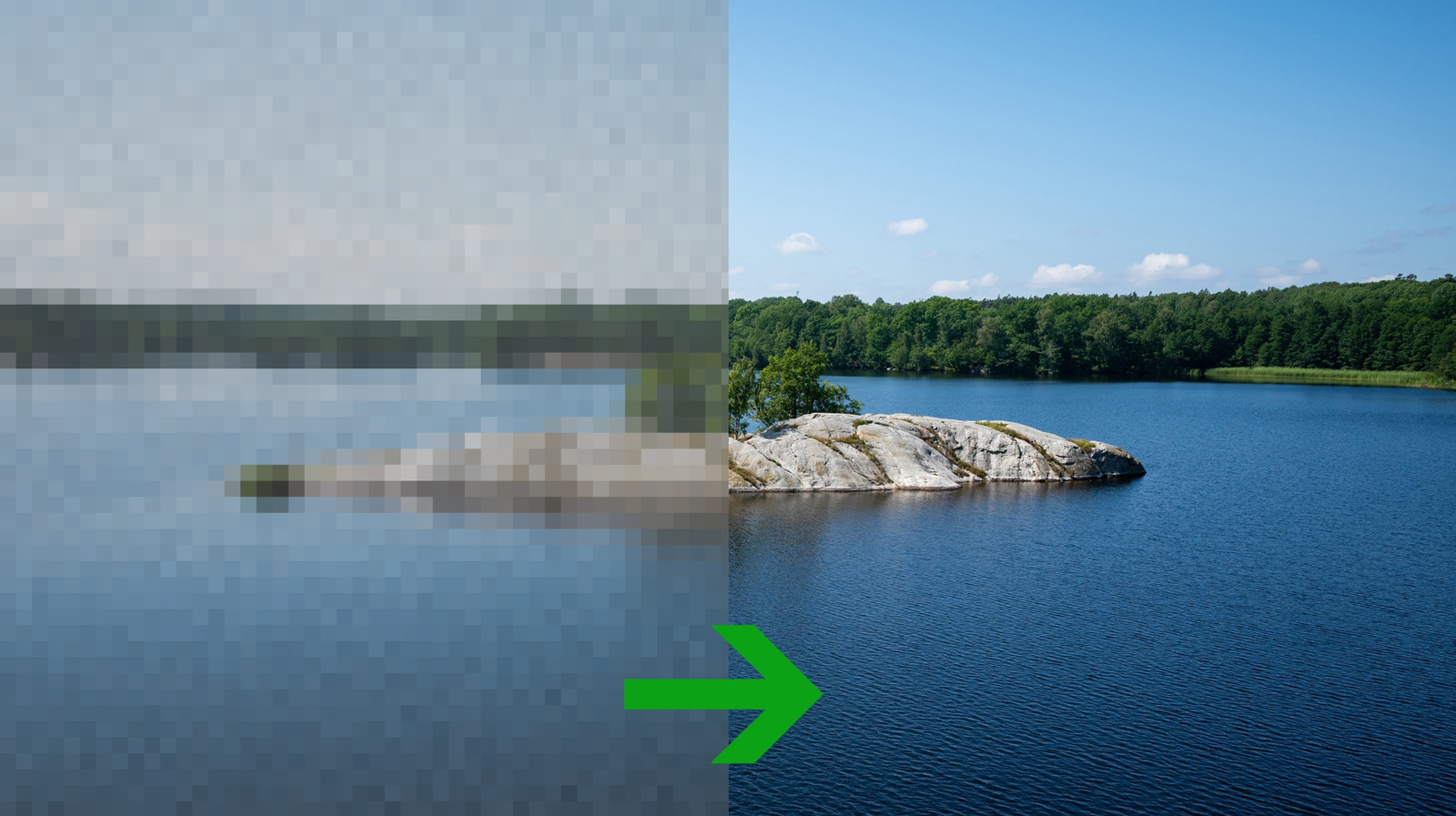 ↗
↗
New guides compare pixel-averaging and AI-based upscaling for different photo types and use cases.
Engineers who integrate image processing into apps or workflows must choose between speed, accuracy, and computational cost. The wrong method can degrade quality or introduce artifacts, while the right one can preserve detail without excessive resource use. This affects everything from legacy photo restoration to real-time rendering pipelines.
Written by elseif from the cluster below · every claim links back to a sourceThe three things worth knowing
Traditional upscaling averages surrounding pixels, with nearest-neighbor best for pixel art and bicubic for general photos.
AI upscaling predicts missing details but risks hallucinating content, making it unreliable for accuracy-critical tasks.
Image format choice impacts compatibility, transparency support, and lossy vs. lossless quality trade-offs.
THE READ
What the cluster adds up to.
The event clarifies the practical differences between traditional and AI-based photo upscaling. Traditional methods like nearest-neighbor, bilinear, and bicubic interpolation rely on mathematical averaging of existing pixels. These are computationally lightweight and predictable but struggle with fine details or degraded source material. Nearest-neighbor preserves hard edges, making it ideal for pixel art or diagrams, while bicubic offers a balance for general photos at the cost of potential halos around edges. Lanczos and other advanced algorithms improve sharpness further but demand more processing power with diminishing returns for most use cases.
AI upscaling introduces a fundamentally different approach by using trained models to predict and generate missing details. This can produce cleaner, more saturated results, especially for low-quality or grainy images, but it comes with risks. AI models may invent features not present in the original, such as adding eyes to a blurred face, which undermines accuracy. This makes AI unsuitable for tasks where fidelity is critical, such as medical imaging or archival restoration. The trade-off between sharpness and reliability must be weighed for each application, particularly in automated pipelines where artifacts could propagate.
The choice of upscaling method is further complicated by the image format. JPEG, while universally compatible and space-efficient, is lossy and lacks transparency support, limiting its use for logos or layered compositions. PNG offers lossless quality and transparency but results in larger file sizes, which may impact storage or bandwidth in distributed systems. Engineers must align the upscaling method with the format and intended use, whether for editing, web display, or print, to avoid compounding quality loss or introducing unnecessary complexity.
For engineers, the implications extend beyond casual photo editing. Upscaling is a critical step in workflows like video frame interpolation, satellite imagery processing, or retro game emulation. Traditional methods are deterministic and easier to debug, while AI upscaling requires careful model selection and validation to avoid unintended side effects. The computational cost of AI also scales with resolution, which may limit its use in real-time applications or on resource-constrained devices. Testing with representative datasets is essential to identify the method that best balances quality, speed, and resource usage for the target use case.
Written by elseif from the cluster below · checked for specifics the sources never containedTHE CLUSTER