TECH Signal 361
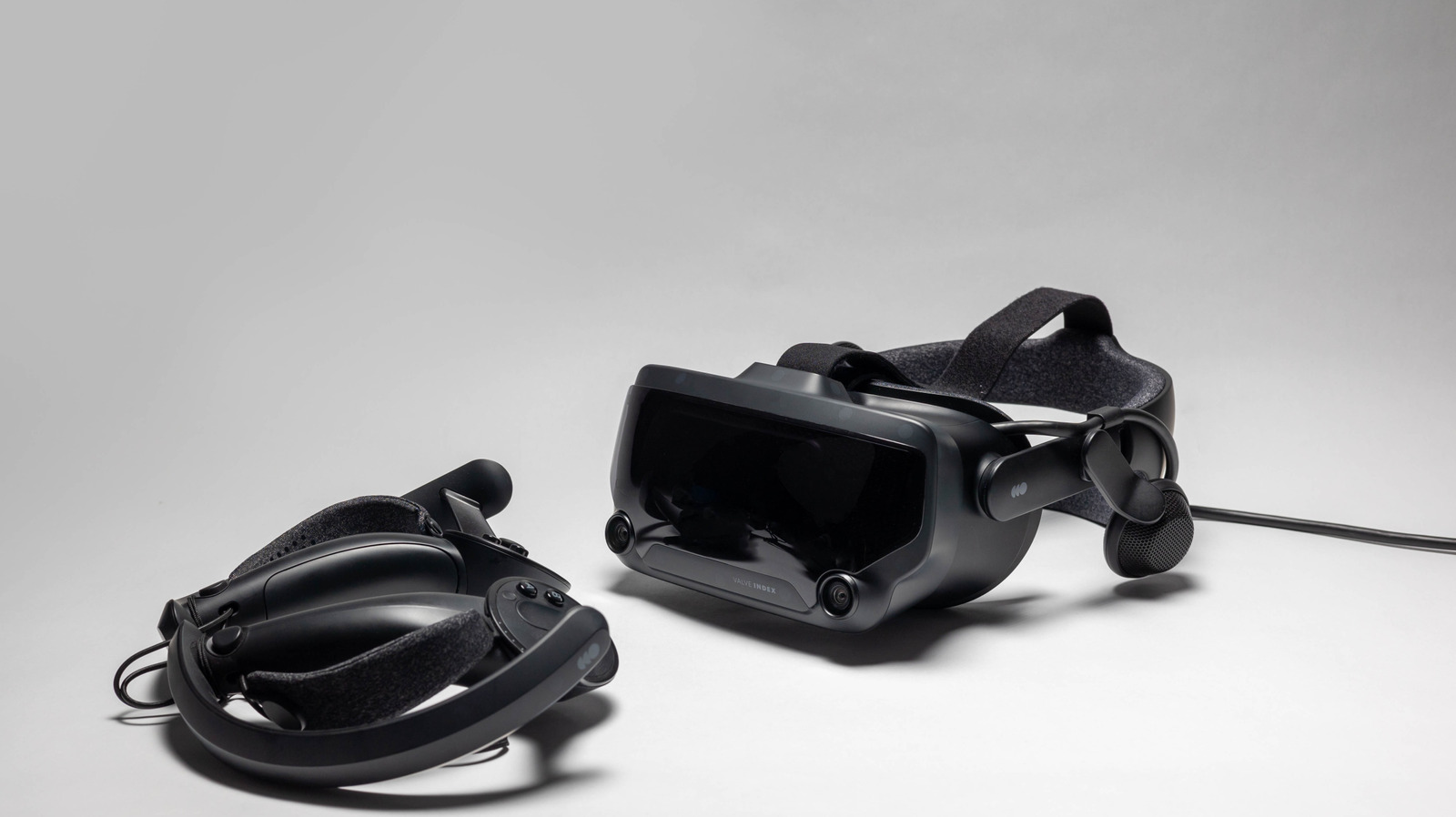
SteamVR setup allows immediate access to VR gaming with compatible headsets
 ↗
↗
Setting up VR on Steam takes only a few minutes with the right hardware and SteamVR installation.
This process enables users to quickly access a range of virtual reality games and settings on Steam. With VR gaming becoming more popular, understanding how to set it up efficiently is crucial for enhancing user experience and engagement in virtual environments.
Written by elseif from the cluster below · every claim links back to a sourceThe three things worth knowing
SteamVR can be installed for free through the Steam platform.
Users need compatible VR hardware and may require additional setup for wireless connectivity.
The SteamVR Home hub offers social and customization features to enhance the VR experience.
THE READ
What the cluster adds up to.
The introduction of SteamVR allows users with compatible headsets to enter the VR gaming space quickly and efficiently. The installation process is streamlined and does not incur additional costs beyond the hardware required for VR, making it accessible for many users.
To set up SteamVR, users must ensure their VR headset and controllers are connected to their PCs. For wireless use, additional applications such as Steam Link are necessary. This step may involve a brief diagnostic process to configure the play area and ensure proper tracking.
Once set up, SteamVR provides a digital hub where users can interact, customize their space, and access VR-compatible games. The settings within the dashboard allow for advanced adjustments to enhance performance, making the VR experience more tailored and enjoyable.
Written by elseif from the cluster below · checked for specifics the sources never containedTHE CLUSTER