TECH Signal 373
How to use Android Auto without turning off your VPN
 ↗
↗
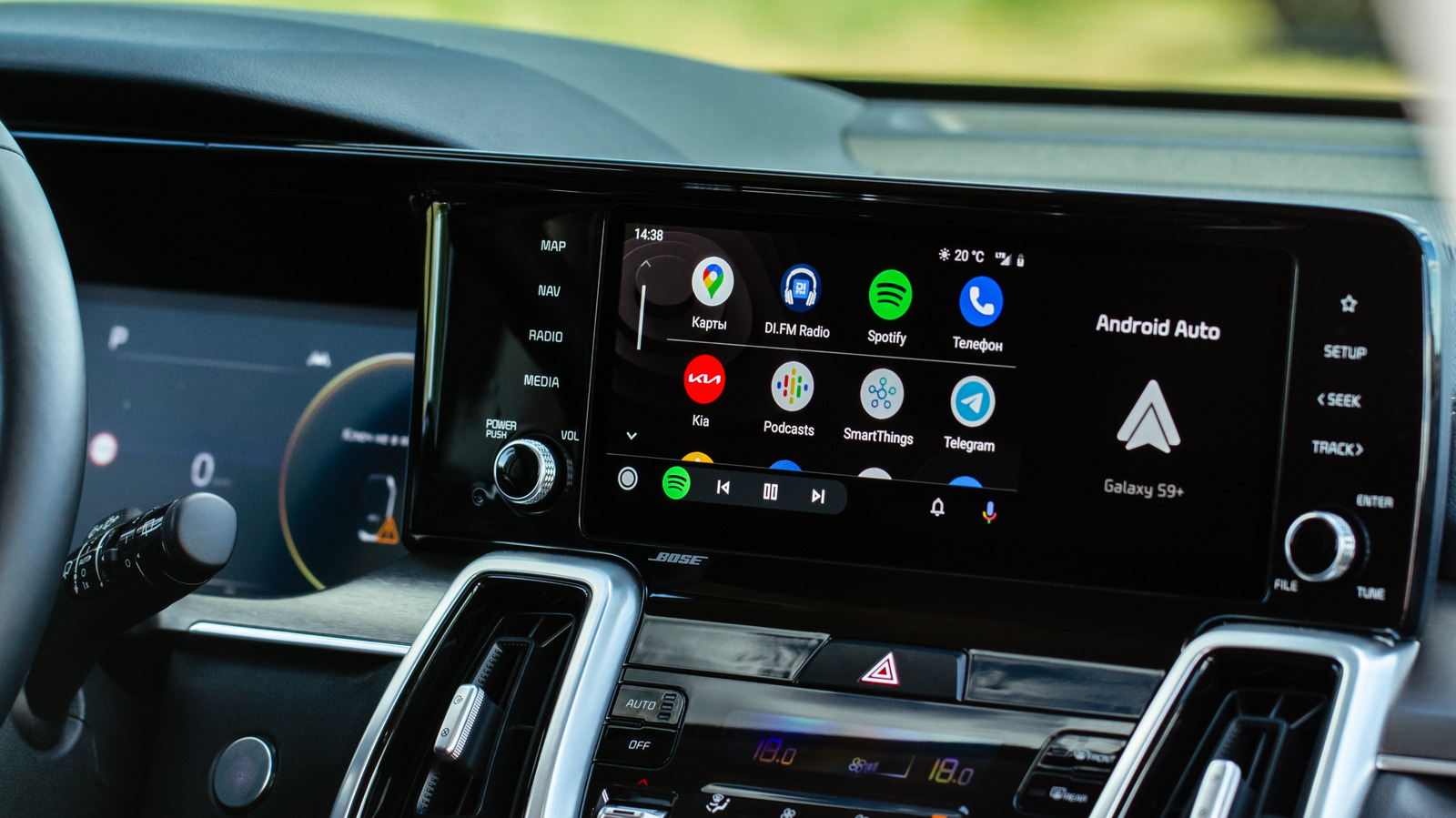
Android Auto fails to connect when a VPN is active due to its reliance on a direct local Wi-Fi link, but split tunneling or a wired connection can resolve the conflict.
Engineers building or integrating Android Auto must account for VPN interference, as it breaks the wireless connection by routing traffic through an encrypted tunnel. The fix, split tunneling, requires users to manually exclude Android Auto from the VPN, which adds a configuration step that may not be obvious. For developers, this highlights a design constraint: apps that depend on local network connections can conflict with system-level VPNs, and the workaround adds friction for privacy-conscious users.
Written by elseif from the cluster below · every claim links back to a sourceThe three things worth knowing
Android Auto uses a direct local Wi-Fi link between phone and car, which is incompatible with active VPN tunnels that reroute all network traffic.
Split tunneling allows users to exclude Android Auto from the VPN, giving it the direct connection it needs while other apps remain encrypted.
If split tunneling fails, disabling the VPN kill switch or using a wired USB connection can also restore Android Auto functionality.
THE READ
What elseif makes of it.
The core issue is that Android Auto is not a typical app making its own network requests; it acts as a phone extension via predefined APIs designed for a distraction-free experience. This architecture requires a direct local Wi-Fi connection to the car, which a VPN disrupts by routing all traffic through an encrypted tunnel. The error message, 'Communication error 21', explicitly flags the VPN as the cause, but the underlying problem is a system-level networking conflict rather than a simple app incompatibility.
Split tunneling is the recommended fix because it carves out exceptions for specific apps, allowing Android Auto to bypass the VPN while other traffic remains protected. The steps vary by VPN provider but generally involve toggling split tunneling on and adding Android Auto to an exclusion list. Some VPNs, like NordVPN, offer an automatic exclusion for incompatible apps, which simplifies the process. However, users may need to enable 'Show system apps' in the VPN settings to find Android Auto in the list.
A potential complication is the VPN kill switch, which blocks all internet if the VPN drops. This feature can interfere with split tunneling, so disabling it temporarily may be necessary. The article notes that this is a common stumbling block. For those who prefer a simpler approach, a wired USB connection bypasses the issue entirely, as the physical link does not rely on the same local Wi-Fi routing that conflicts with VPNs.
From an engineering perspective, this situation underscores a trade-off between privacy and functionality in mobile-to-vehicle integrations. The workaround is straightforward but requires user awareness and manual configuration. Developers of similar systems should consider how their apps handle network routing and whether they can gracefully degrade or provide clear guidance when a VPN is detected. The absence of a built-in Android Auto setting to automatically handle VPN conflicts means the burden falls on the user or the VPN app to manage the exception.
Written by elseif from the cluster below · checked for specifics the sources never containedTHE CLUSTER