TECH Signal 526 2 feeds carried it
KDE Gear 26.08 releases with Okular signing security upgrades and Dolphin file management refinements
 ↗
↗
KDE Gear 26.08 updates core applications including Okular, Dolphin, Kdenlive, and Konsole with security, usability, and feature improvements.
This release introduces tangible workflow improvements for engineers and users who rely on KDE applications. Security enhancements in Okular’s document signing reduce operational risk, while Dolphin’s file management refinements and Konsole’s drag-and-drop utilities streamline daily tasks. The changes reflect incremental but meaningful progress in open-source tooling.
Written by elseif from the cluster below · every claim links back to a sourceThe three things worth knowing
Okular’s PDF signing process is now more secure and consolidated into a single settings dialog.
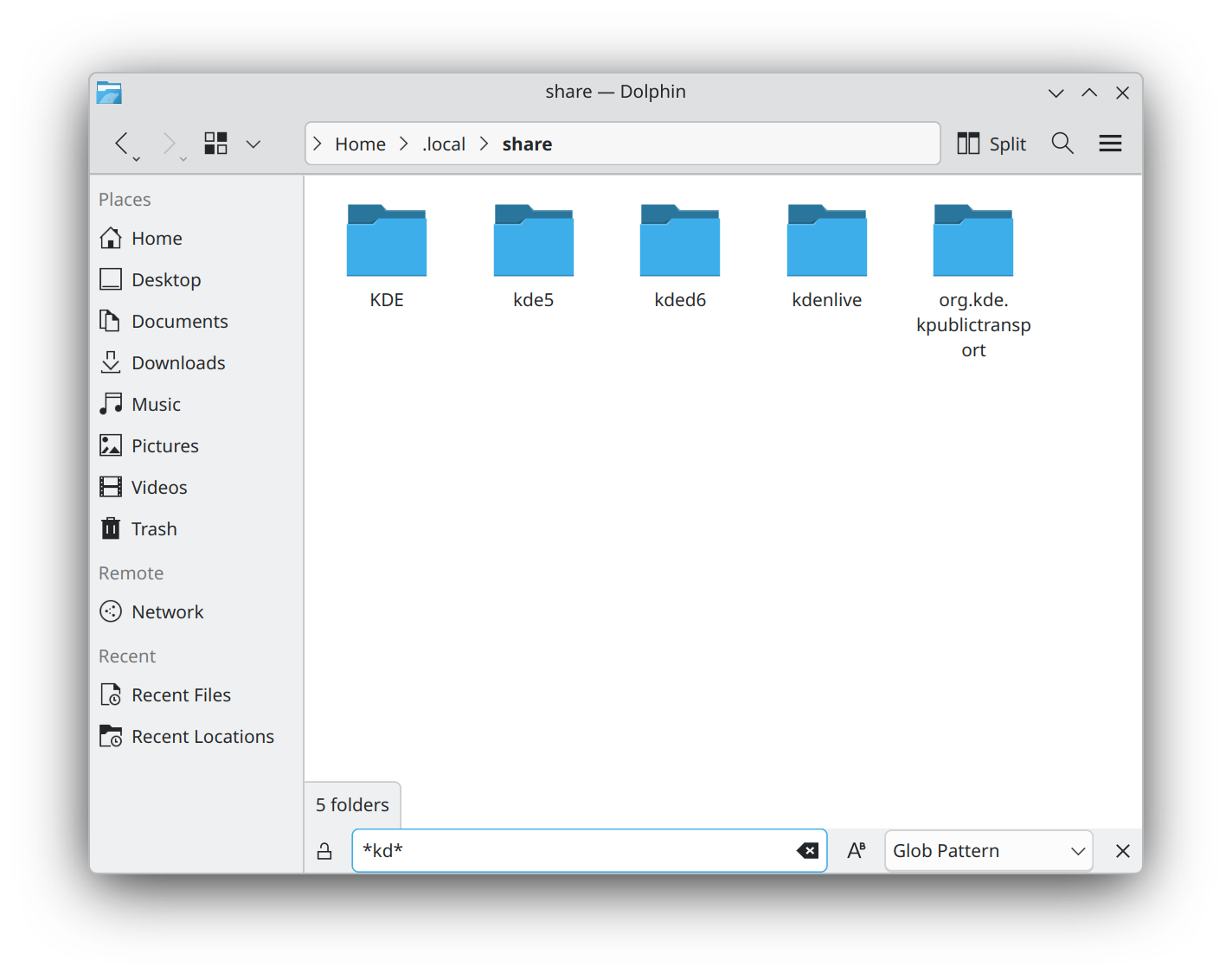
Dolphin adds independent file grouping, a filter bar, and better KDE Connect integration for mobile file access.
Konsole and Kdenlive introduce drag-and-drop utilities and timeline refinements for faster workflows.
THE READ
What the cluster adds up to.
KDE Gear 26.08 focuses on refining existing functionality rather than introducing entirely new tools. The most notable change is Okular’s reinforced signing features, which address security concerns in document handling. Consolidating settings dialogs into one interface reduces cognitive overhead for users, though it may require relearning workflows for those accustomed to the old layout. The security improvements are likely to benefit engineers who frequently sign or verify documents, but the lack of specific technical details about the changes leaves questions about their scope and limitations.
Dolphin’s updates target file management efficiency, a critical area for developers and system administrators. The addition of independent grouping and a filter bar (supporting globbing and regex) allows for more flexible file sorting, which could save time in large directories. The KDE Connect integration further bridges desktop and mobile workflows, though its utility depends on the user’s reliance on KDE’s ecosystem. These changes are incremental but address long-standing usability gaps, though power users may still find limitations in advanced scripting or automation.
Konsole and Kdenlive receive quality-of-life improvements that reduce friction in terminal and video editing workflows. Konsole’s drag-and-drop support for files, links, and colors simplifies common tasks, though its effectiveness depends on the user’s familiarity with such shortcuts. Kdenlive’s timeline and effect refinements, such as adjustable rotation axes and gradient stops, cater to video editors but may not significantly alter the experience for casual users. The changes are practical but stop short of addressing deeper performance or stability concerns that some users have raised in past releases.
Minuet’s interface overhaul reflects KDE’s push toward cross-device compatibility, a growing priority for open-source projects. The redesigned navigation and search functionality improve accessibility, particularly for mobile users, but the core educational features remain unchanged. This release’s emphasis on polish over innovation suggests a maturation phase for KDE Gear, where stability and usability take precedence. However, the lack of major architectural changes may disappoint users seeking breakthroughs in performance or integration with other desktop environments.
Written by elseif from the cluster below · checked for specifics the sources never containedTHE CLUSTER