TECH Signal 404
Microsoft attributes Windows 11 crashes to RGB peripheral software
 ↗
↗
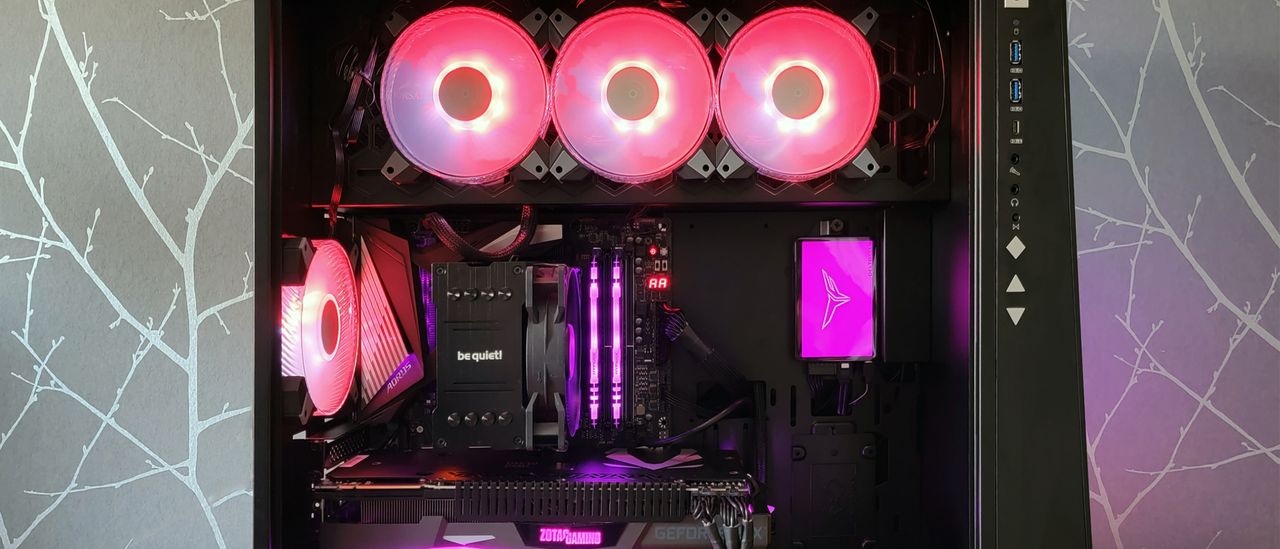
Microsoft says RGB peripheral drivers are causing blue screens, game freezes and system instability in Windows 11, and advises disabling the driver as a temporary fix.
Engineers need to know that kernel-mode drivers from RGB software can trigger anti-cheat protections and lead to system crashes. Disabling the offending driver restores stability but may limit RGB functionality until an official update arrives. Reporting the issue via Feedback Hub helps Microsoft prioritize a permanent solution.
Written by elseif from the cluster below · every claim links back to a sourceThe three things worth knowing
Microsoft links Windows 11 instability to drivers installed by RGB lighting software.
The problematic driver runs in kernel space and can be blocked by anti-cheat, causing EXCEPTION_ACCESS_VIOLATION blue screens.
A temporary workaround is to disable the driver via Registry Editor, though this may disable RGB control until a fix is released.
THE READ
What the cluster adds up to.
Microsoft’s investigation found that the issue stems from drivers installed by RGB peripheral software, which operate in kernel mode. These drivers can interfere with anti-cheat mechanisms that monitor kernel-mode activity for signs of cheating. When anti-cheat blocks or terminates the driver, Windows raises an EXCEPTION_ACCESS_VIOLATION, leading to blue screens or game freezes. The affected titles mentioned include Arc Raiders, Marvel Tokon: Fighting Souls, and The Finals.
The company’s health status page notes that the problem is tied to peripherals or internal components with RGB lighting features. The driver files often have names similar to inpoutx64, which are loaded when a game launches. If the driver is blocked at startup, any attempt by the RGB software to change lighting or read sensors hits a protection fault. If the driver is stopped while executing ring-0 instructions, an unhandled kernel fault triggers a blue screen to protect hardware.
Microsoft advises users to disable the offending driver via the Registry Editor as a temporary measure. This action stops the driver from loading, which prevents the crash but also disables the RGB lighting functionality provided by that software. Alternative universal RGB controllers such as SignalRGB or OpenRGB may work because they use drivers with strict whitelists that anti-cheat does not flag.
Until Microsoft releases an official update, users are encouraged to report the problem through Feedback Hub so the issue can be prioritized. The company says it is still working to understand the exact relationship between the RGB components and the specific games that trigger the crashes. No permanent fix or timeline has been provided in the supplied material.
Written by elseif from the cluster below · checked for specifics the sources never containedTHE CLUSTER