AI Signal 386
Android users can reduce Google storage usage by disabling redundant app and media backups
 ↗
↗
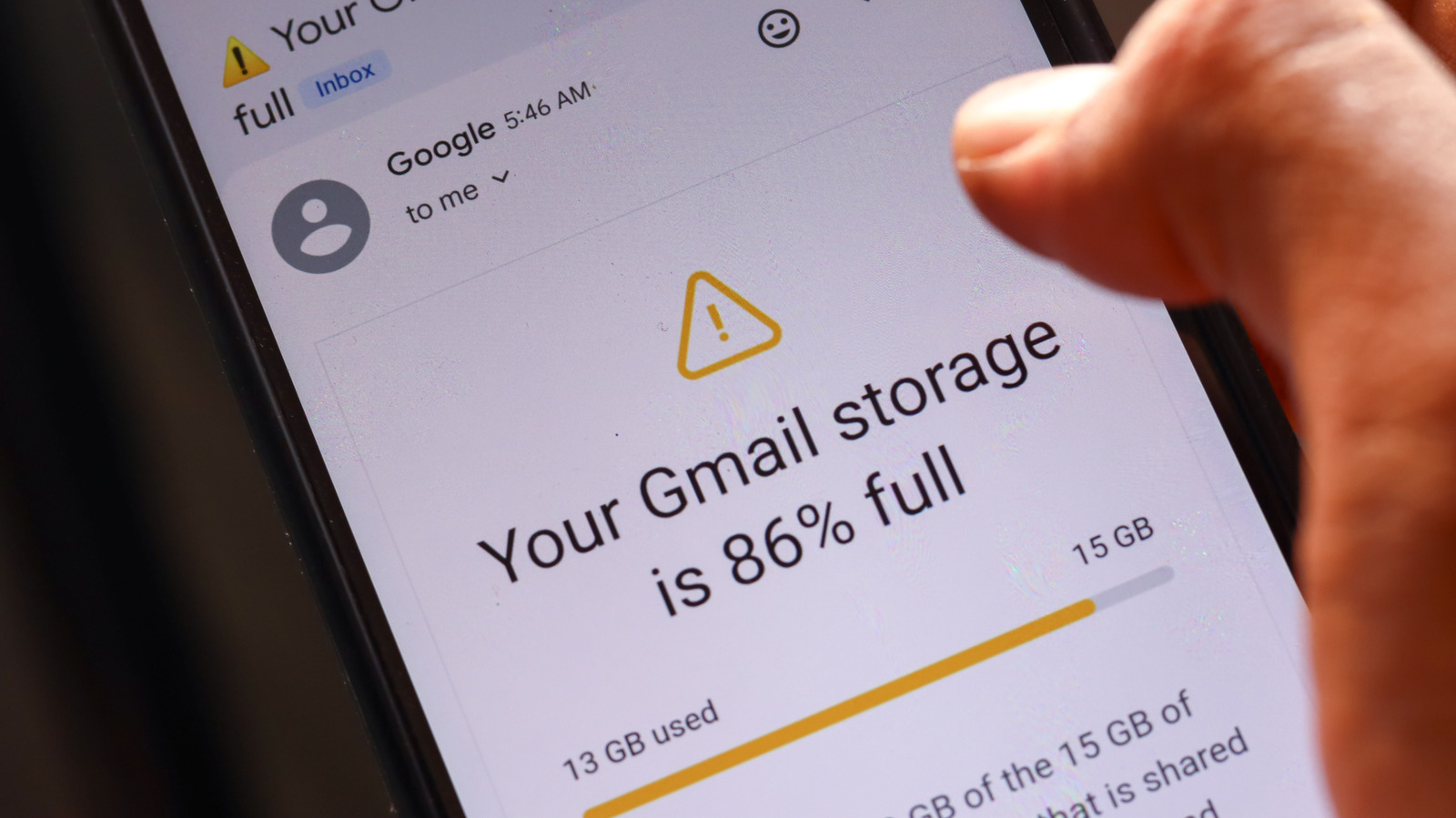
Google account storage fills up faster when Android apps and media backups duplicate data across Google Photos and Drive
Engineers and users often overlook how Android’s default backup settings create redundant copies of app data and media. These duplicates consume Google storage unnecessarily, pushing users toward paid upgrades. Identifying and disabling these backups can free up significant space without additional cost.
Written by elseif from the cluster below · every claim links back to a sourceThe three things worth knowing
Google Photos and app backups can store duplicate media, counting twice against Google storage limits
Disabling unnecessary app data backups in Android settings reduces cloud storage usage
Deleting local media before backup prevents redundant copies and saves both cloud and device storage
THE READ
What the cluster adds up to.
Android’s default backup settings integrate with Google account storage, which is shared across Gmail, Drive, and device backups. This setup means that media and app data backups can quickly consume the limited free storage, often without the user’s awareness. The issue is compounded when apps like WhatsApp or Signal back up media to Google Drive while Google Photos simultaneously backs up the same files from device folders. These duplicates are not immediately visible but contribute to storage bloat.
The problem extends beyond media. Many apps automatically back up data to Google’s cloud, even when users rely on alternative backup solutions. For example, a notes app might sync with Dropbox while still creating a backup in Google’s ecosystem. Disabling these redundant backups requires manual intervention in Android’s backup settings, where users can review and toggle off app data backups for apps that don’t need them. This step is often overlooked but can reclaim gigabytes of storage.
Deleting unnecessary media before it’s backed up is another effective way to reduce storage usage. Messaging apps often store large volumes of temporary or low-value media, such as reaction GIFs or duplicate photos. Removing these files locally prevents them from being uploaded to Google Photos or Drive, saving space on both the device and the cloud. However, users must also delete these files from Google Photos after disabling folder backups, as Google retains them by default.
The financial incentive for Google to retain user data is clear: it drives upgrades to paid storage plans. Users who don’t actively manage their backups may find themselves pushed toward higher-tier Google One plans sooner than necessary. While the default settings are convenient, they prioritize ease of use over storage efficiency. Engineers and power users can mitigate this by auditing their backup settings and removing redundant or low-value data before it consumes additional resources.
Written by elseif from the cluster below · checked for specifics the sources never containedTHE CLUSTER