TECH Signal 302
Siri fails on CarPlay due to iPhone settings, connection, or car infotainment
 ↗
↗
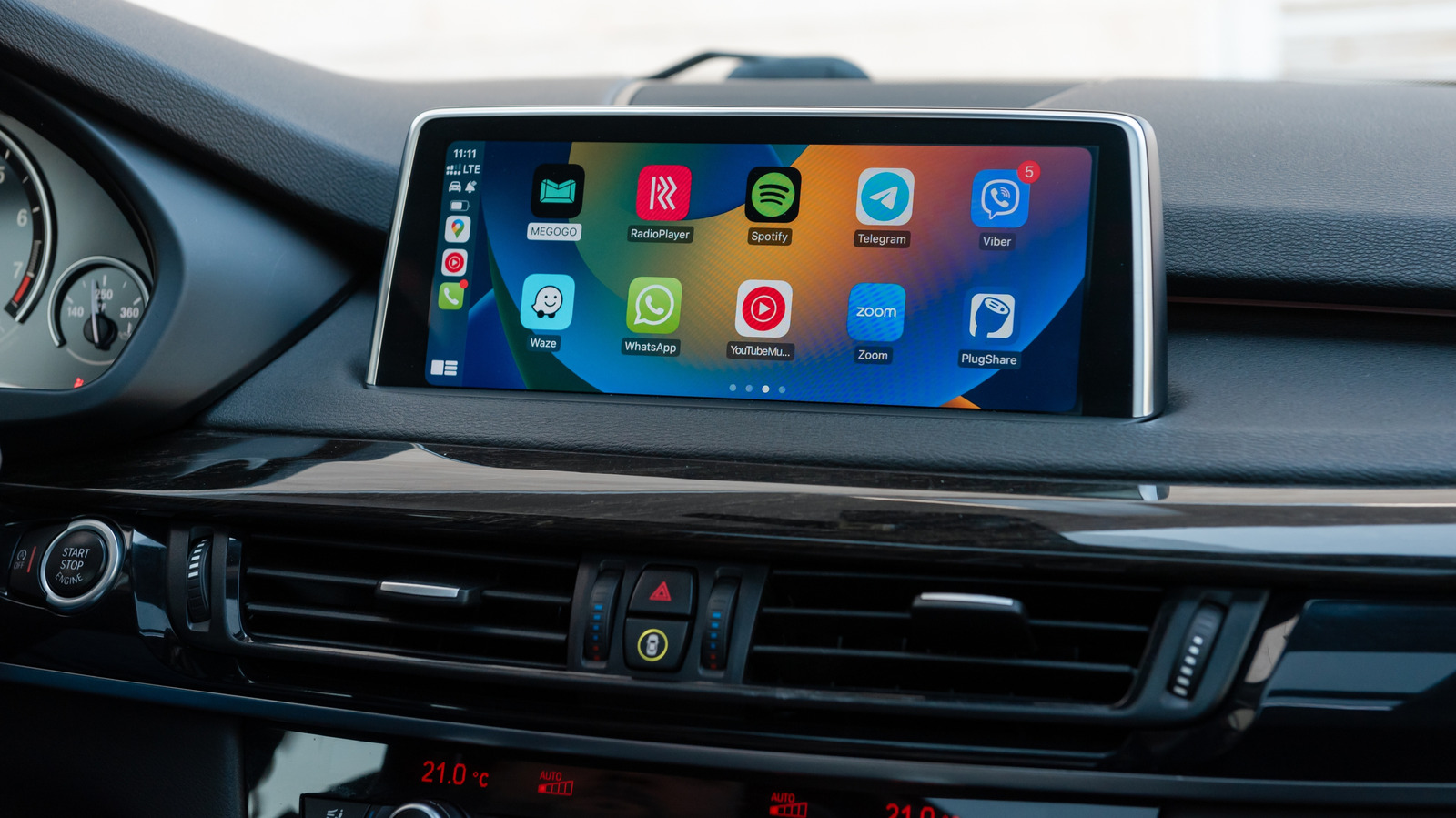
When Siri does not respond in CarPlay, the issue often lies in iPhone Siri settings, the CarPlay connection, or the vehicle's infotainment system.
Engineers designing or maintaining in-vehicle voice interfaces must verify software settings before assuming hardware faults. Misdiagnosing Siri failures can lead to unnecessary service visits and reduced driver trust in voice controls.
Written by elseif from the cluster below · every claim links back to a sourceThe three things worth knowing
Siri may be disabled when the iPhone is locked or restricted by Screen Time settings.
CarPlay Siri requires an active internet connection and can be blocked by certain VPN profiles.
Wired CarPlay problems often stem from cables or USB ports, while wireless CarPlay depends on Bluetooth and Wi-Fi with Auto-Join enabled.
THE READ
What the cluster adds up to.
CarPlay can continue to display Maps and play music while Siri stops listening or responding, indicating that the problem is not a total CarPlay failure. The article notes that the issue may begin with iPhone settings, the CarPlay connection, or the car's infotainment system. Identifying the true source prevents unnecessary changes to settings that are already correct.
On the iPhone side, Siri's voice activation controls are found under Settings > Apple Intelligence & Siri (or Siri) > Talk & Type to Siri. Turning the Siri toggle off and on, re-running voice-recognition setup, checking that Siri is not disabled when the phone is locked, and ensuring Screen Time restrictions do not block CarPlay are recommended first steps. Additionally, Siri needs an internet connection, and certain VPN profiles can interfere, so testing Siri after disconnecting CarPlay helps isolate phone-related causes.
If Siri works on the phone but not in CarPlay, the connection itself is suspect. For wired CarPlay, trying a different USB cable or port can resolve issues; for wireless CarPlay, both Bluetooth and Wi-Fi must be functional with Auto-Join enabled for the CarPlay network. Restarting the iPhone and the vehicle, forgetting the car under Settings > General > CarPlay and re-pairing, and checking with the vehicle manufacturer for infotainment firmware updates are also advised. Volume settings or the Prefer Spoken Responses option can also explain why Siri appears silent.
A systematic approach, first verifying iPhone Siri settings, then checking the CarPlay link, and finally examining the car's infotainment, reduces guesswork and avoids replacing hardware that is functioning correctly. This method aligns with troubleshooting best practices for embedded voice assistants in automotive environments.
Written by elseif from the cluster below · checked for specifics the sources never containedTHE CLUSTER