LANGUAGES Signal 130
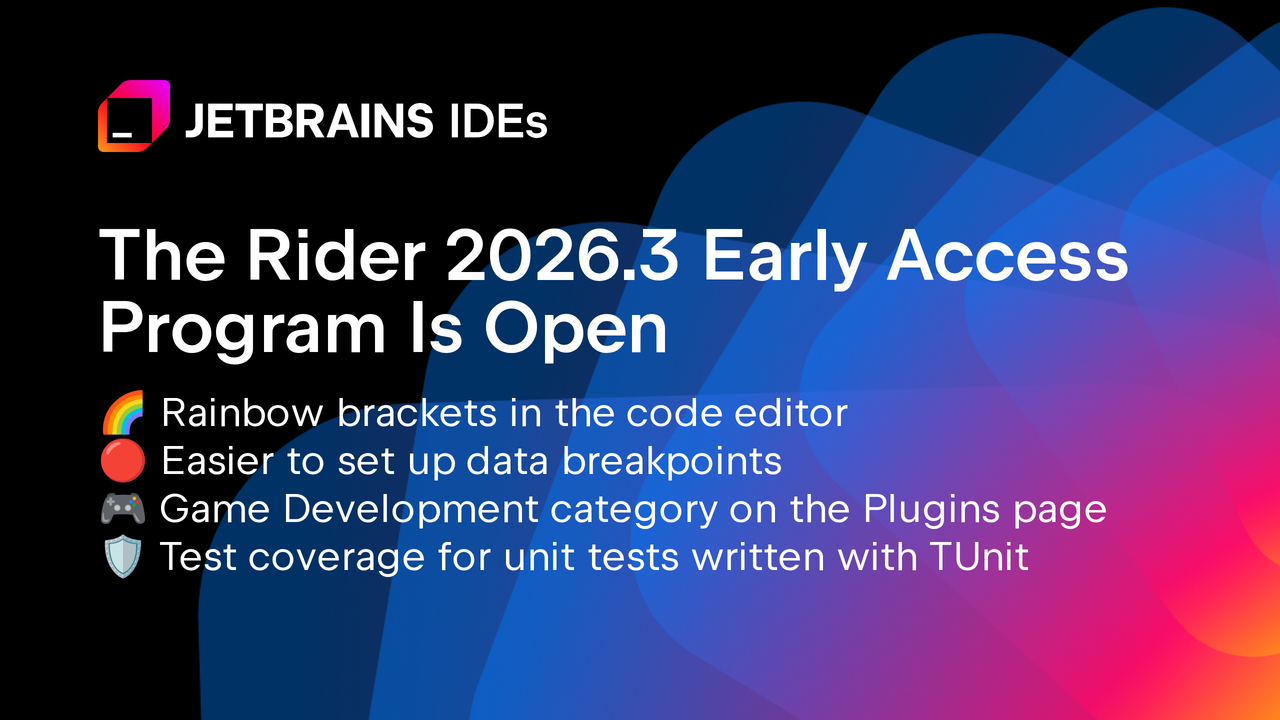
Rider 2026.3 early access adds rainbow brackets, data breakpoint shortcuts, and game dev plugin grouping
 ↗
↗
JetBrains opens the Rider 2026.3 Early Access Program with visual bracket matching, one-click data breakpoints, and a unified Game Development plugin category
These changes reduce friction for .NET and game developers who debug complex code or navigate large plugin lists. The new features are opt-in, so existing workflows remain unchanged until explicitly enabled.
Written by elseif from the cluster below · every claim links back to a sourceThe three things worth knowing
Rainbow brackets color-code nested brackets by depth, disabled by default but configurable in editor settings
Data breakpoints can now be set directly from variable right-clicks or the Breakpoints tool window, with input validation
Game development plugins are grouped into a single category in settings and tagged in JetBrains Marketplace
THE READ
What the cluster adds up to.
Rider 2026.3 Early Access introduces four discrete improvements rather than a single overarching theme. The most visible change is rainbow brackets, which addresses a long-standing request for better visual parsing of deeply nested code. This feature is opt-in, requiring manual activation in Settings, so it won’t disrupt existing editor layouts. The implementation targets one-liners where indent guides are ineffective, but it may add visual noise in already colorful codebases. Users who prefer minimalist editors will likely keep it disabled, while those working with complex expressions may find it indispensable.
Data breakpoint setup receives a significant usability overhaul. Previously, these breakpoints were buried in the Watches window, making them difficult to discover and use. The new right-click context menu option and Breakpoints tool window integration reduce the steps required to set them up. This change is particularly relevant for game developers using Unreal Engine or custom C++ engines, where data breakpoints are a common debugging tool. The feature retains all advanced options like conditions and logging, but the simplified workflow could encourage more frequent use. Input validation during setup prevents common configuration errors, though the underlying breakpoint behavior remains unchanged.
The Game Development plugin category consolidation is a quality-of-life improvement for plugin management. By grouping Unity Support, UnrealLink, Godot plugins, and others into a single category, JetBrains reduces the time developers spend searching for relevant plugins. The corresponding Game Development tag in JetBrains Marketplace extends this organization to community plugins, creating a unified discovery experience. This change doesn’t add new functionality but makes existing tools more accessible. Plugin maintainers must manually add the tag to their plugins for inclusion, so the category’s completeness depends on community adoption. The update reflects Rider’s growing focus on game development workflows.
Code completion filters introduce a ReSharper-inspired feature that allows users to show or hide specific suggestion types. The filter bar uses icons for namespaces, classes, enums, and events, with left-click to show only that type and right-click to hide it. This implementation provides granular control over the completion popup but requires users to learn the new interaction pattern. The feature may be most useful in large codebases where completion lists are overwhelming, though it doesn’t address the underlying issue of excessive suggestions. Users familiar with ReSharper will recognize the behavior, potentially easing adoption. The feature is additive and doesn’t modify existing completion behavior unless explicitly used.
Written by elseif from the cluster below · checked for specifics the sources never containedTHE CLUSTER