TECH Signal 299
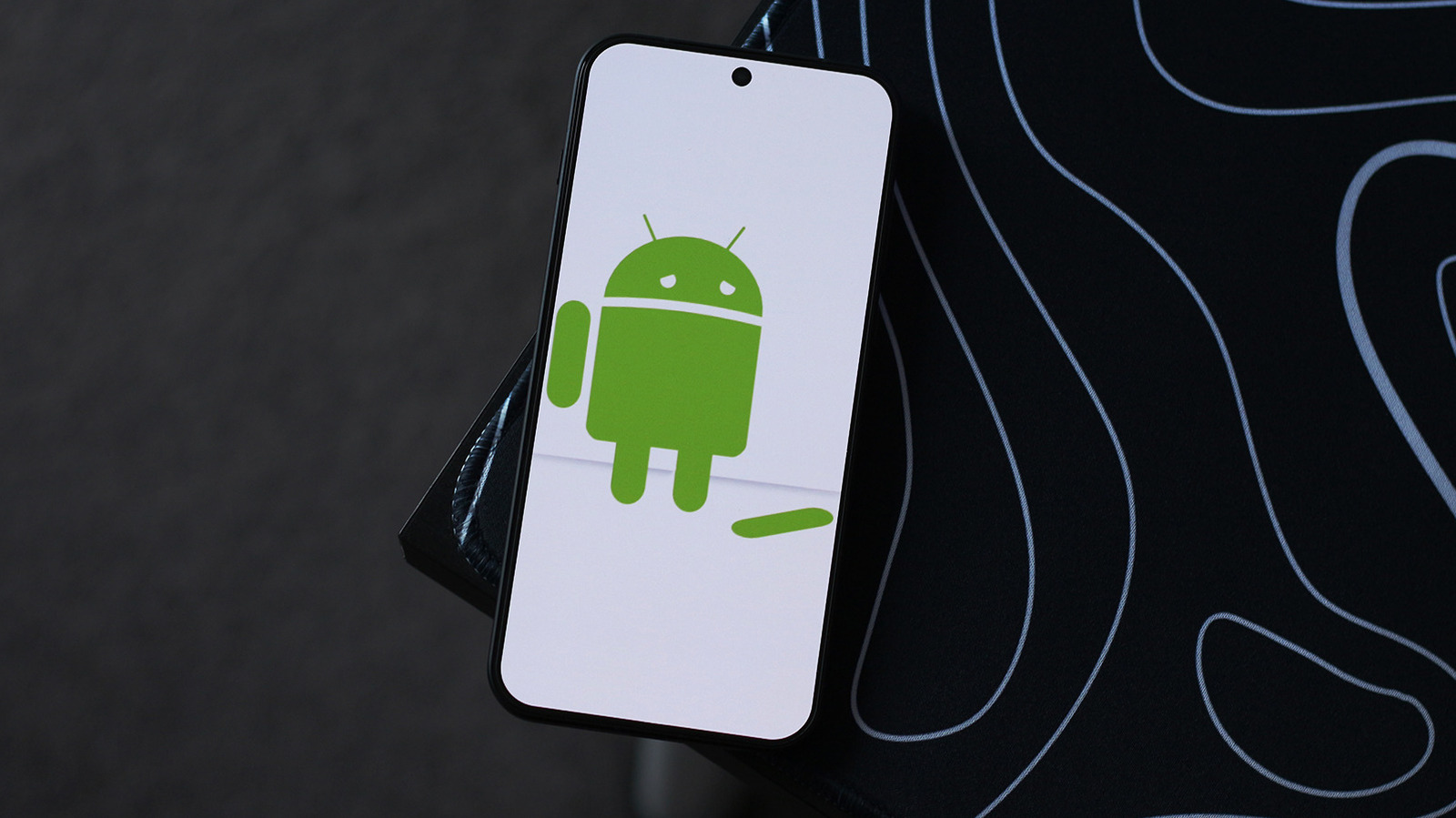
To fix Android app crashes, update the app, clear its cache, then reinstall or sideload an older build
 ↗
↗
The article outlines a step-by-step approach to fixing Android app crashes, starting with Play Store updates and cache clearing, then moving to reinstallation or sideloading an older version.
App crashes are a common frustration, and this guide gives engineers and users a systematic troubleshooting path that avoids unnecessary phone resets. It also highlights the trade-offs between clearing data and preserving local files, and the temporary nature of sideloading older versions.
Written by elseif from the cluster below · every claim links back to a sourceThe three things worth knowing
Check the Play Store for app updates first, as buggy updates are a common cause of crashes.
Clear the app's cache and force stop it before considering a data wipe or reinstall.
Sideloading an older version via APKMirror is a temporary fix until the developer publishes an update.
THE CLUSTER