TECH Signal 377
What's the difference between the Apple Pencil USB-C Vs Pro?
 ↗
↗
The Apple Pencil USB-C and Apple Pencil Pro look alike but differ in charging method, advanced input gestures, and price.
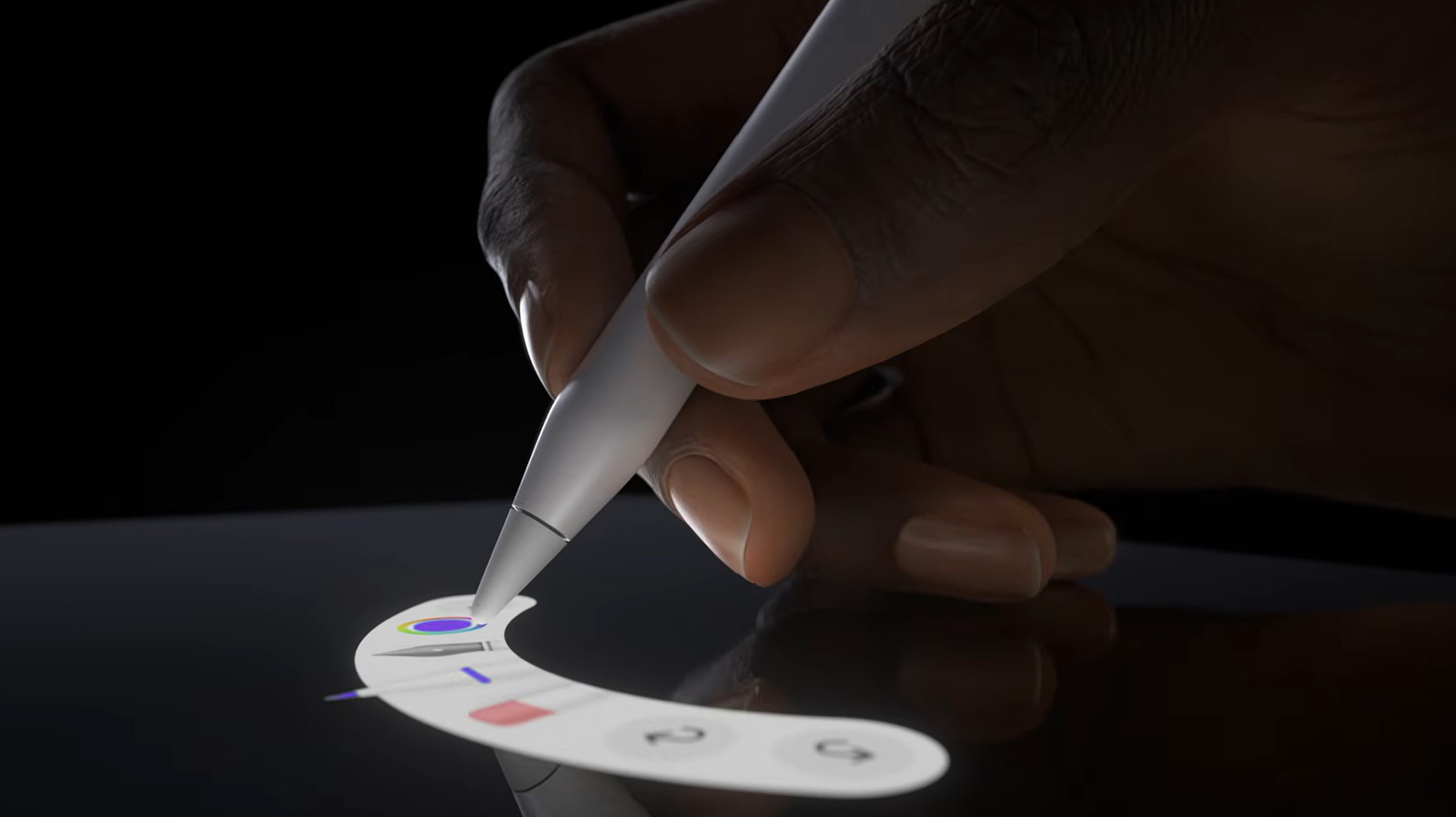
Developers must account for the Pro’s extra gesture inputs, squeeze, double-tap, and barrel-roll, when designing drawing or note-taking apps, while the USB-C model only offers the baseline pressure, tilt and hover data. The Pro also integrates wireless magnetic charging and Find My support, which can affect device-management workflows, and it costs $50 more, influencing procurement decisions.
Written by elseif from the cluster below · every claim links back to a sourceThe three things worth knowing
The Pro adds pressure-sensitive, gyroscope-driven barrel-roll, squeeze, and double-tap gestures plus haptic feedback, whereas the USB-C version provides only basic pressure, tilt and hover.
Charging differs: the Pro charges wirelessly via a magnetic attachment, while the USB-C Pencil uses a cable connector.
Pricing is $129 for the Pro versus $79 for the USB-C model, and compatibility depends on iPad generations that support magnetic charging for the Pro.
THE READ
What the cluster adds up to.
Both Apple Pencil generations share the same physical dimensions and deliver high-precision, low-latency input with hover preview and tilt-sensitive shading, making them interchangeable for core drawing functions. The visual similarity can cause confusion when selecting a stylus for a particular iPad, as the underlying capabilities diverge beyond the baseline features. Engineers building stylus-aware software should therefore query the device’s capabilities rather than assume uniform functionality across the lineup.
The Pro model introduces a suite of advanced interactions: heightened pressure sensitivity, a gyroscope-based barrel-roll that mimics brush orientation, and squeeze or double-tap gestures that toggle tools or settings, all confirmed by subtle haptic pulses. These inputs expand the expressive range available to artists and can be leveraged by applications to provide richer tool palettes without additional UI elements. However, developers must implement fallback handling for devices that lack these gestures, typically the USB-C version.
Charging and device management also diverge. The Pro attaches magnetically to the side of compatible iPads and charges wirelessly, eliminating the need for a separate cable, while the USB-C Pencil relies on a physical connector for power. Additionally, the Pro integrates with the Find My ecosystem, allowing software to query its location status. Systems that automate inventory or asset tracking can thus treat the Pro differently, but the USB-C model offers no such integration.
Cost is a practical consideration: the Pro retails at $129, $50 more than the $79 USB-C version. For budget-constrained environments, such as educational institutions or enterprise roll-outs, the standard Pencil may be sufficient, especially if the workflow does not require the Pro’s extra gestures. Conversely, professional creatives may justify the premium for the added control and convenience features.
Compatibility limits the Pro’s adoption; it only works with iPad models that support magnetic side attachment and wireless charging, whereas the USB-C Pencil can pair with any iPad that provides a USB-C port for charging. Engineers must verify the target device list before relying on Pro-specific features, and they should design their apps to degrade gracefully on older iPads that only support the baseline Pencil functionality.
Written by elseif from the cluster below · checked for specifics the sources never containedTHE CLUSTER