TECH Signal 368
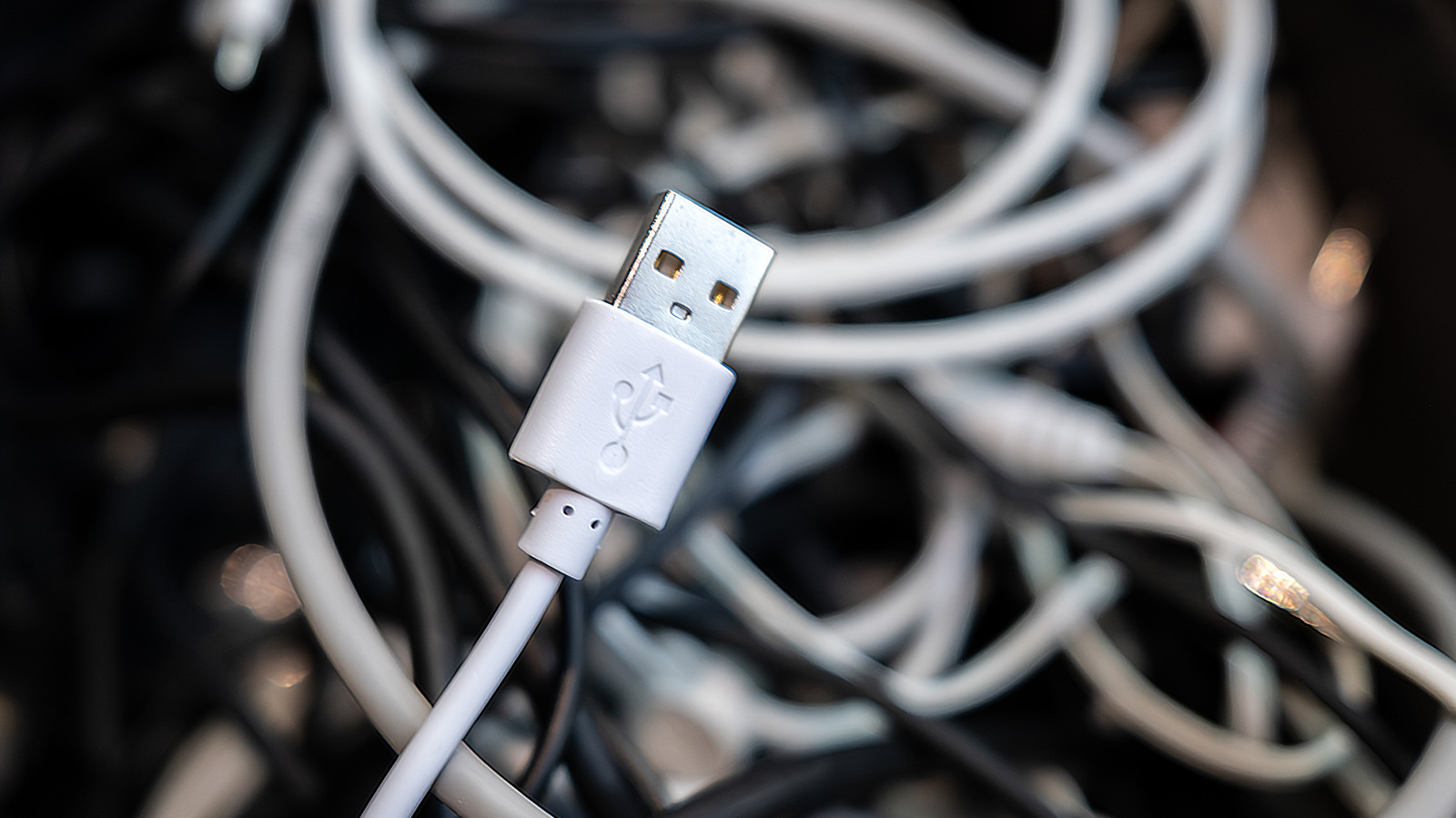
USB trident symbol and port colors indicate data speed and power capabilities
 ↗
↗
USB ports and cables use symbols and colors to denote their data transfer speeds and power delivery standards but remain inconsistent across manufacturers
Engineers and users often misidentify USB port capabilities, leading to suboptimal device performance or compatibility issues. Understanding these visual cues prevents wasted time and ensures hardware is used to its full potential. Without clear labeling, even basic tasks like data transfer or charging can become inefficient
Written by elseif from the cluster below · every claim links back to a sourceThe three things worth knowing
The USB trident symbol alone typically denotes USB 2.0, while variants with 'SS' or speed markings indicate USB 3.x or USB4 standards
Port colors like blue, red, or yellow may signal speed or power delivery, but manufacturers often deviate from official guidelines
USB4 is limited to USB-C connectors, but not all USB-C ports support USB4 speeds or features
THE READ
What the cluster adds up to.
USB ports and cables rely on visual identifiers like the trident symbol and port colors to communicate their capabilities, but these cues are not standardized across manufacturers. The trident symbol alone usually signifies USB 2.0, which is limited to 480Mbps and is best suited for low-bandwidth devices like keyboards or mice. When paired with 'SS' (SuperSpeed) or numerical speed markings, it indicates USB 3.x or USB4, which offer significantly higher data transfer rates. However, the lack of uniformity in labeling means users must often cross-reference symbols with documentation to confirm a port's true capabilities.
Port colors were introduced to simplify identification, but their meanings are frequently ignored or repurposed by manufacturers. Officially, black or white ports denote USB 2.0, while blue typically signifies USB 5Gbps (originally USB 3.0). Red or yellow ports may indicate higher speeds or power delivery, but these colors are not universally adopted. For example, some manufacturers use blue for USB 10Gbps or 20Gbps ports, while others reserve red for always-on charging. This inconsistency forces engineers to treat color as a secondary clue rather than a definitive indicator.
USB4 represents the latest evolution of the standard, offering speeds up to 80Gbps, but it is exclusively available through USB-C connectors. This does not mean all USB-C ports support USB4, as the connector type is separate from the underlying protocol. A USB-C port could still operate at USB 2.0 speeds, making it critical to check for USB4-specific symbols or markings. The shift to USB4 also simplifies naming conventions, using terms like 'USB 20Gbps' or 'USB 40Gbps' instead of the older 'Gen' labels, though this change has not eliminated all confusion.
For engineers, the practical takeaway is that visual cues alone are unreliable for determining USB capabilities. While symbols and colors provide a starting point, verifying specifications through documentation or testing is often necessary. This is especially true when optimizing hardware setups, as plugging a high-speed device into a USB 2.0 port could result in significantly slower performance. The lack of strict adherence to labeling standards means that even experienced users must remain cautious when selecting ports or cables for specific tasks.
Written by elseif from the cluster below · checked for specifics the sources never containedTHE CLUSTER