TECH Signal 368
Wired vs. wireless CarPlay: How are they different & which is better to use?
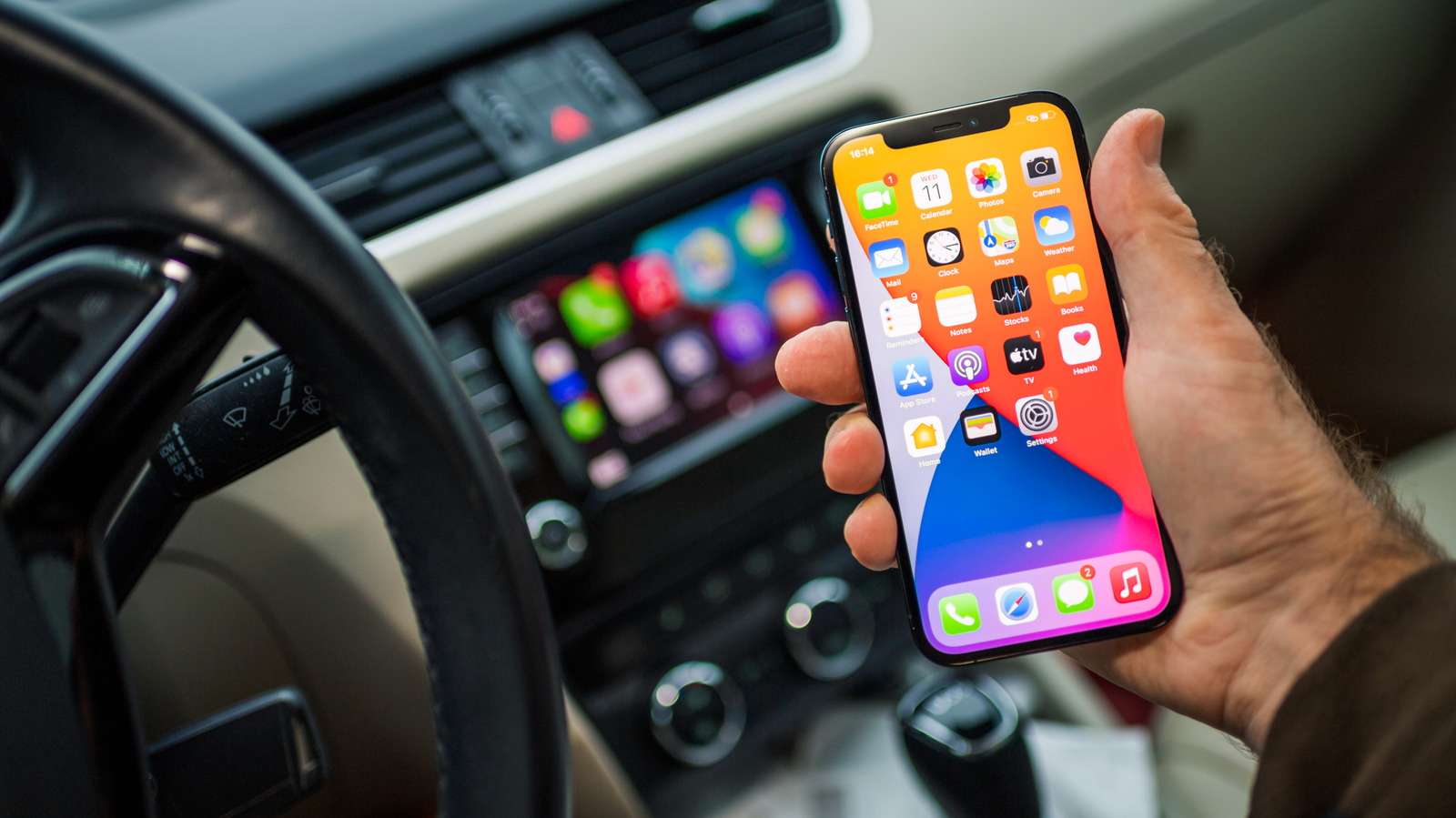 ↗
↗
The article compares wired and wireless Apple CarPlay, highlighting trade-offs in convenience, reliability, battery impact, and audio quality.
For engineers designing infotainment systems, the choice between wired and wireless CarPlay shapes hardware requirements such as USB port type and cable management. It also influences software considerations like connection priority handling, battery-charging logic, and audio-video synchronization. Understanding these trade-offs helps prioritize features that reduce driver distraction and improve system reliability.
Written by elseif from the cluster below · every claim links back to a sourceThe three things worth knowing
Wired CarPlay eliminates wireless connectivity hiccups and gives the connected iPhone priority when multiple devices are paired.
Wireless CarPlay removes cable clutter and simplifies driver swaps, but can auto-connect to the wrong phone in multi-device environments.
Both connection types deliver the same CarPlay feature set, with wired offering better audio fidelity and no latency, while wireless relies on AirPlay for video sync.
THE READ
What the cluster adds up to.
Wireless CarPlay lets drivers start the infotainment system without plugging in a USB cable, relying on the car’s Bluetooth and wireless radios to establish the link. This removes the physical step of connecting a cable each time the vehicle is entered. The underlying CarPlay services, navigation, messaging, music, and voice assistance, remain unchanged between the two modes. As a result, the user experience gains convenience at the cost of relying on wireless link stability.
Choosing a wired connection requires a USB-C to USB-A cable (or a compatible adapter) because many cars still provide only USB-A ports while recent iPhones ship with USB-C connectors. The cable must be kept in the vehicle, adding to interior clutter and requiring storage space. When the iPhone is plugged in, the car’s power bus can charge the device, preventing battery drain during trips. Engineers must therefore account for power delivery and cable routing in the infotainment hardware design.
A wired setup can become cumbersome when drivers make multiple short stops, as they must repeatedly plug and unplug the iPhone. The cable’s length may limit where the phone can be placed, potentially interfering with controls or passenger access. Continuous flexing can wear the connector or cable, leading to intermittent connections over time. In such scenarios, the reliability advantage of a wired link may be offset by user inconvenience and maintenance overhead.
Wireless CarPlay avoids cable handling but introduces dependence on the car’s Bluetooth and wireless subsystems, which can be susceptible to interference or pairing confusion. If several iPhones are stored in the vehicle, the system may automatically connect to the wrong device, forcing the driver to manually select the correct phone in the Bluetooth settings. Audio quality can suffer if the wireless link experiences packet loss, although video playback uses AirPlay to maintain synchronization. Latency-sensitive interactions such as quick Siri responses or track skipping are generally unaffected, but extreme link degradation could still cause noticeable delays. Consequently, engineers must design robust wireless fallback logic and clear user-interface prompts for device selection.
Written by elseif from the cluster below · checked for specifics the sources never containedTHE CLUSTER