SECURITY Signal 225
Manage Vercel Container Registry with Vercel CLI
 ↗
↗
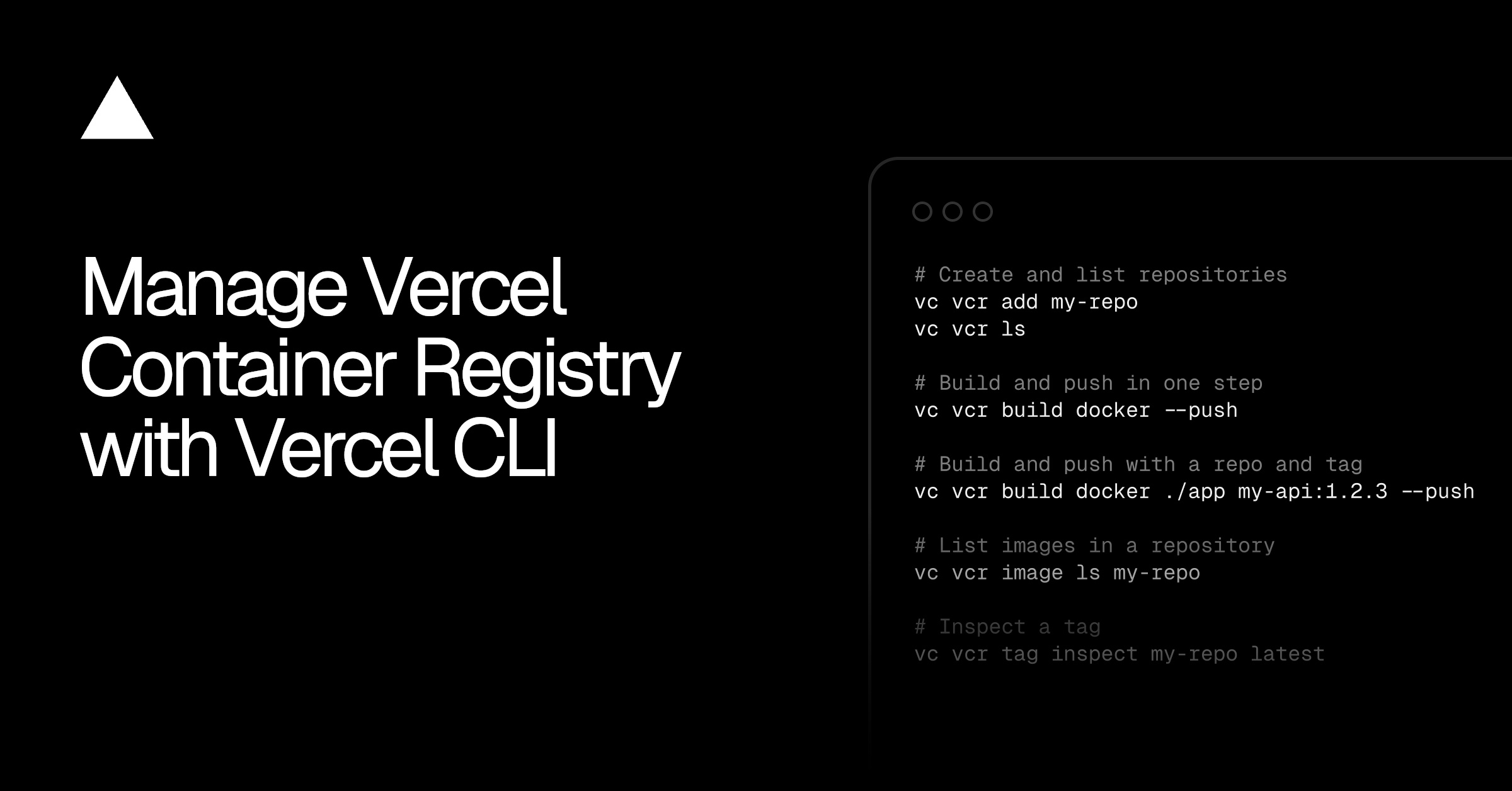
Vercel CLI now includes a vcr command group for managing the Vercel Container Registry, covering authentication, building, pushing, and inspection of images.
Engineers can now manage container images for Vercel directly from the CLI, using standard tools like Docker, Podman, or Buildah with short-lived tokens. This simplifies the workflow of building and pushing images to Vercel's registry, and allows for inspection of repositories and tags without leaving the terminal.
Written by elseif from the cluster below · every claim links back to a sourceThe three things worth knowing
The new vercel vcr command group lets you connect existing container tooling and build and push images in one step.
Authentication uses short-lived tokens scoped to your project, and credentials go to Docker itself, enabling standard docker push commands.
Repositories are created automatically on first push or explicitly with vercel vcr add, and you can list and inspect images and tags.
THE CLUSTER