WEB Signal 155
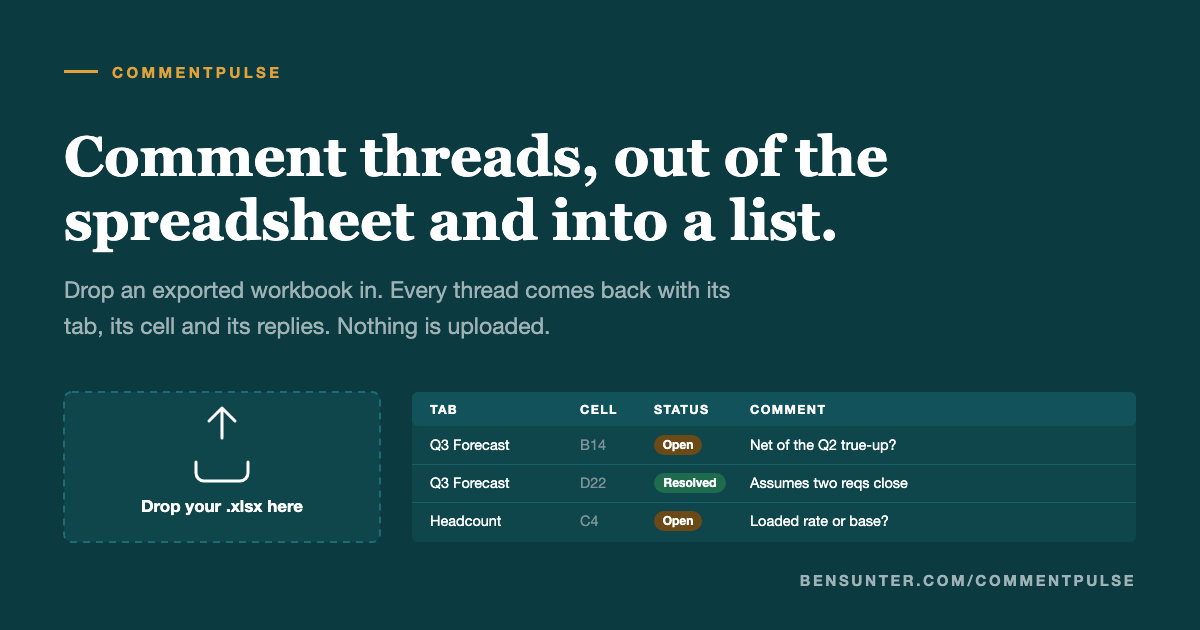
New add-on pulls comments from Google Sheets into a sortable list in-browser
 ↗
↗
Comments
This new add-on allows users to extract and organize comments from Google Sheets more efficiently. By providing a way to view comments in a structured format, engineers can improve their workflow and collaboration efforts. The tool eliminates the need for additional software or downloads, enhancing usability.
Written by elseif from the cluster below · every claim links back to a sourceThe three things worth knowing
Users can now extract comments from Google Sheets directly into a list format.
The add-on operates entirely within the browser, ensuring no data is uploaded to external servers.
Currently, only .xlsx files are supported, with Google Docs and Slides not yet included.
THE READ
What the cluster adds up to.
The newly introduced add-on allows users to pull comments from Google Sheets into an easily manageable list format. This is particularly beneficial as Google Sheets does not natively support sorting or counting comments, making this tool a valuable enhancement for those who rely on comments for collaboration.
Using the add-on only requires dragging and dropping a .xlsx file into the browser, with no need for user accounts or server interactions. This approach minimizes security concerns, as no data leaves the user's machine, and no sign-in is necessary, streamlining the process.
However, the functionality is currently limited to .xlsx files, which means that users cannot directly extract comments from Google Docs or Slides. This limitation may restrict some users who utilize those platforms for comments, highlighting an area for potential future development.
Written by elseif from the cluster below · checked for specifics the sources never containedTHE CLUSTER